
Pay Per Click Landing Page
A standalone page crafted to turn ad clicks into leads or sales. It picks up the thread of a Google Ads search intent and delivers a single, focused message. With the latest Google Ads ecosystem features—like Performance Max asset suggestions, AI-driven Responsive Search Ads updates, and enhanced Page Experience signals—optimizing your landing pages within the Google Ads framework has never been more important. Get these pieces right and you’ll see conversion rates climb.
Essentials Of PPC Landing Page Success
Google Ads Ecosystem News
Staying on top of the latest Google Ads developments ensures your landing pages resonate with both the algorithm and user intent. Key updates include:
- Performance Max campaigns now offer AI-powered asset grouping—align your landing page content with asset themes for better performance.
- Responsive Search Ads (RSAs) have evolved with AI-driven headline and description combinations—ensure your page headlines are flexible and match multiple ad variants.
- The Google Ads auction system now emphasizes first-price bidding and enhanced audience signals—design pages that cater to refined audience segments.
- Page Experience metrics from Google Search are integrated into Ads quality scores—speed and UX optimizations directly influence ad rank.
- New Ad Creative Studio templates allow for dynamic visuals—mirror these designs on your landing pages for a seamless user journey.
Achieving stellar performance boils down to a few critical factors working together.
- Intent Matching: Make sure your headline and offer echo the keywords in your ad.
- Consistent Messaging: Keep the language and tone aligned from ad to page.
- Speed Optimization: Aim for load times under 2.4 seconds to minimize drop-offs.
- Trust Building: Use real testimonials, security badges, and customer reviews.
Here’s a snapshot of recent benchmarks to help you gauge where your pages stand.
Key Metrics for PPC Landing Pages
A summary of conversion rates and engagement metrics for PPC landing pages based on recent industry benchmarks
| Metric | Value | Channel |
|---|---|---|
| Conversion Rate | 3.17%–8% | Google Search |
| Average CPC | $2.69–$5.26 | Paid Search |
| Load Time | <2.4s | All Devices |
| Purchase Propensity | +50% | PPC vs Organic |
These figures underline why every millisecond shaved off load time and every tweak to your offer delivers noticeable ROI.
Key Data Visualization
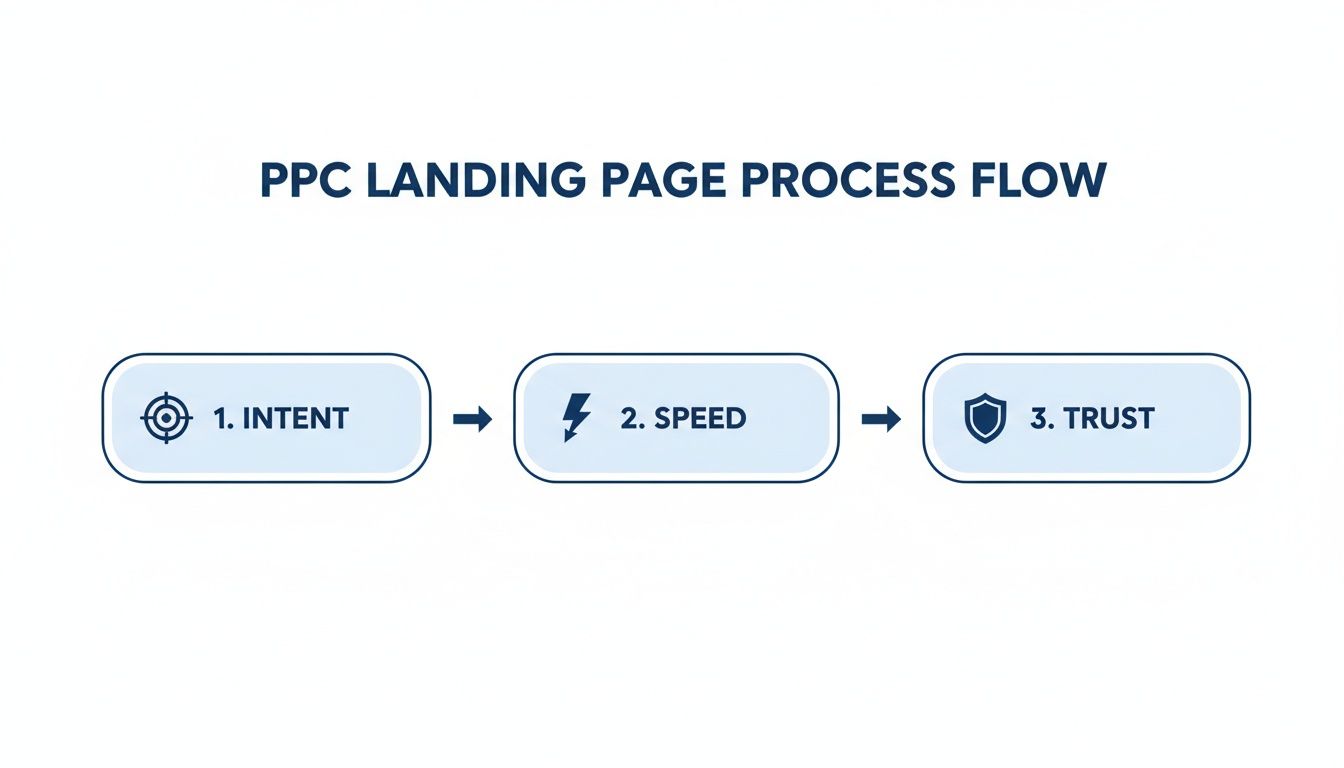
Below you’ll find an infographic that maps out how intent cues, speed targets, and trust signals come together on a high-performing landing page.
Interpreting Roi From First Click
When someone arrives primed by a PPC ad, each element on your page acts like a domino, stacking probability toward a purchase. By measuring click-through rates, load times, and form completions side by side, you can spot which change moves the needle fastest.
“Small adjustments can boost ROI by 30% or more,” notes a seasoned Google Ads consultant.
- Test the variation that impacts your primary metric first.
- Watch results in real time to catch gains early.
- Once you confirm a winner, scale budgets confidently.
Next up: uncover the core elements that truly drive conversions in your PPC landing pages.
Key Elements of a High Converting Pay Per Click Landing Page
After someone clicks your Google Ads, the landing page has to pick up right where the ad left off. A PPC landing page’s sole mission is to turn that targeted traffic into leads or sales.
According to Unbounce’s deep dive into nine industries, the median landing page conversion rate sits at 6.6%, while paid search from PPC averages 10.9% and paid social clocks in at 12%—both outrunning display’s 4.1%. Learn more about these landing page stats on Backlinko.
Here’s a quick look at those benchmarks across channels.
This chart makes it clear: paid search and paid social conversions leap ahead of display ads, so that’s where your split tests should focus.
Craft Headlines That Match Intent
Your headline is the first handshake between ad and page. It should echo the exact query or a very close variant—and account for AI-driven ad combos in Responsive Search Ads.
When we tested a B2B campaign for a “project management tool,” conversion rates jumped when the headline read:
“Project Management Tool for Remote Teams.”
Focus on three things in your headline:
- Benefit statements that directly answer the searcher’s need
- Numbers or data to build instant credibility
- Action words that guide expectations
“Matching ad copy to landing page headlines boosted conversions by over 20% in our A/B tests,” says a Google Ads strategist.
Guide Visual Flow
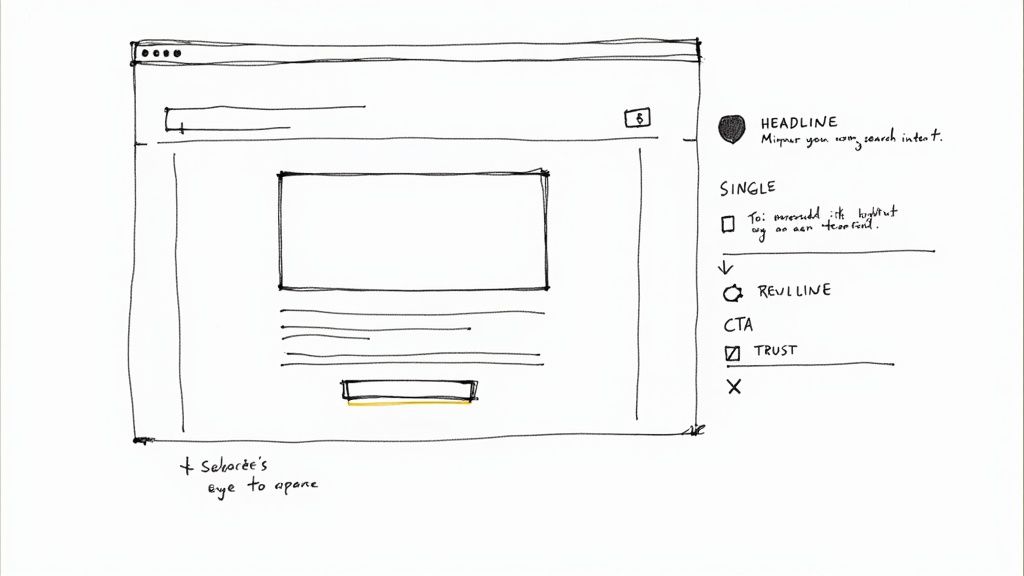
Good design nudges the eye from headline down to your offer without confusion. White space, a contrasting button and simple directional cues all help.
Tools like Figma or Sketch make it easy to mock up and refine your layout until visitors naturally move toward the CTA.
| Element | Role | Example |
|---|---|---|
| Headline | Match Intent | Use exact keyword |
| Visuals | Guide Focus | Arrows or imagery |
| Trust | Reduce Doubt | Testimonials or logos |
Use Trust Indicators
Trust signals are your secret weapon against hesitation and bounce-offs. When people see proof, they’re more likely to stick around.
- Customer testimonials complete with photos or full names
- Security badges (SSL, PCI, industry certifications)
- Snippets from case studies that showcase real results
- Google Seller Ratings or Merchant Center reviews for e-commerce
Design Clear Calls To Action
Your CTA button must pop—especially above the fold. Make it irresistible.
Keep the label short and benefit-driven (e.g., “Get My Free Audit” or “Start Trial Now”). Align your CTA with ad extensions like lead form or callout extensions for a unified experience.
A simple hierarchy of actions prevents decision paralysis:
- Use a bold, contrasting color for your primary CTA
- Offer one primary and one secondary option
- Repeat the main CTA after each major section
With these elements aligned, your landing page will guide Google Ads traffic down a clear path to conversion.
Optimize Above The Fold
No one wants to hunt for your offer. Place the most critical information front and center.
Prospects instantly see your value proposition and decide whether to scroll or bounce.
Use Google Optimize to test different above-the-fold layouts in minutes.
Pick Hero Image
The right hero image sets context instantly. Authentic photos outperform generic stock shots every time.
Don’t forget to compress images under 200 KB—speed matters more than you think.
Craft Targeted Landing Page Copy Aligned With Google Ads
Your landing page hinges on the words you choose. Every headline and subhead should echo the promise in your ad. In real tests, this kind of consistency can push conversions up by double-digit percentages.
Align Headlines With Ad Text
A small headline tweak can deliver a big impact. For example, imagine your ad claims “Secure Business Loans in 24 Hours.” Repeat that phrase verbatim on the page and you’ll keep trust intact.
- Reinforce value with benefit statements like “Get Approved Instantly”.
- Build social proof by placing customer quotes right under subheads.
- Trigger action with urgency lines such as “Offer Ends Today”.
When a software firm made that adjustment, conversions climbed by 18%. This underscores the power of consistency over reinventing your copy every time.
Guide Focus With Benefit Bullets
Scannability matters. Bullet lists help users pick out advantages in a flash. Keep it to 3–5 points so it doesn’t overwhelm.
| Benefit Type | Example Phrase |
|---|---|
| Speed | “Apply in Under 2 Minutes” |
| Trust | “Trusted by 5,000+ Businesses” |
| Support | “24/7 Expert Assistance” |
Blockquotes can spotlight key insights without derailing the flow.
“Ad-copy consistency between ad and page drove a 22% lift in conversions,” says a Google Ads veteran.
After listing benefits, end with a clear CTA that mirrors your ad’s offer. Direct labels like “Get My Free Audit” close the deal, and inline hints in longer forms can lower friction.
Weave Social Proof And Urgency
Nothing calms visitors like knowing others have seen real results. Sprinkle in stats such as 68% satisfaction or a testimonial snippet. Right by your CTA, add a time-based nudge—phrases like “Offer Ends in 3 Days” can tip fence-sitters into action.
- Highlight a customer story: “John from Denver doubled ROI.”
- Note a deadline: “Offer ends in 3 days.”
- Use button text like “Reserve Spot Now” to seal the deal.
For more on crafting ads that speak directly to your audience, check out our guide on best ad copywriting practices in our article Best Ad Copywriting Practices for deeper insights.
Give these tactics a try and watch your PPC landing page conversions climb by double-digit percentages. Aligning your copy builds trust and cuts bounce rates. Next, we’ll dive into page speed optimizations for a seamless user experience.
Optimize Landing Page Speed And User Experience
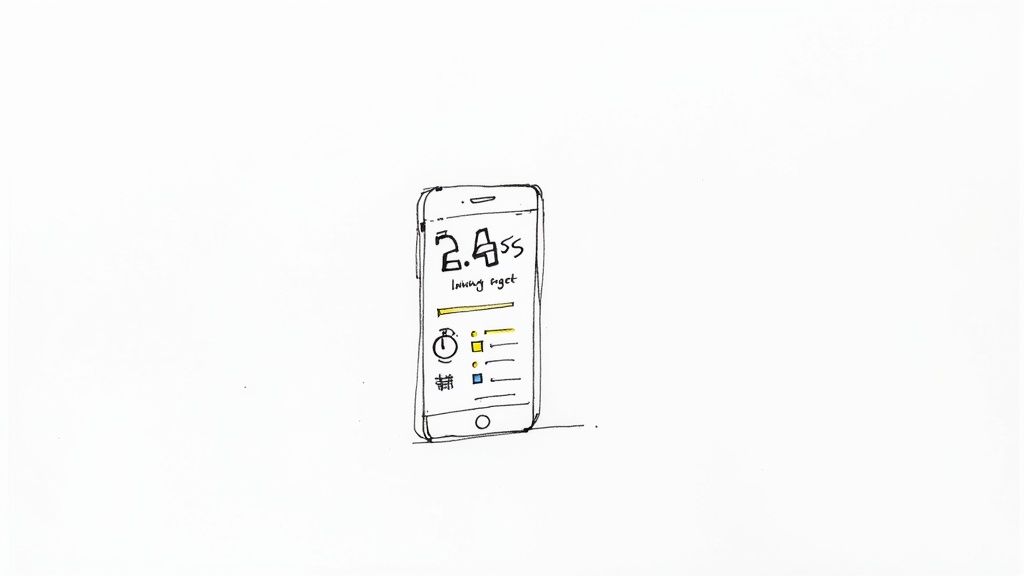
Nothing kills a PPC campaign faster than a slow landing page. If your Google Ads landing page takes longer than 2.4 seconds to load, visitors will click away. In one real-world test, speeding up load times pushed mobile form completions up by 35%.
Additionally, with Core Web Vitals now factoring into Google Ads Quality Score, shaving off every millisecond enhances both user experience and bid efficiency.
Start by cutting out every byte you don’t need. Trim unused code, compress images, and defer scripts that aren’t critical. Those saved milliseconds add up—fast pages keep people engaged and conversions climbing.
Reduce CSS And Image Payloads
Pull out only the styles needed for what users see first. Using a tool like PurgeCSS can slash your CSS by 70%. Then, convert visuals to WebP or AVIF and aim to keep each file under 100 KB.
- Inline critical CSS to speed initial rendering
- Add responsive image attributes (
srcset) - Automate compression with build tools like webpack
After one e-commerce site applied these steps, their page load dropped from 3.8s to 1.9s, and conversions jumped 20%.
Implement Lazy Loading And Faster Hosting
Deferring off-screen media makes a huge difference. Lazy loading cuts the initial payload nearly in half, so users see content faster. Pair this with a CDN-backed host and HTTP/2 or HTTP/3, and your assets are served from servers closer to visitors.
- Enable native lazy loading (
loading="lazy") - Choose a hosting provider tuned for static assets
- Configure a global CDN with modern protocols
“Switching to a CDN reduced our median Time to First Byte by 40%,” says one Google Ads specialist.
Once you’re set up, run regular checks with Lighthouse to catch any performance dips early.
Streamline Navigation And Above The Fold Focus
A clean header with your main offer front and center removes friction. Keep the form or CTA button visible without scrolling. In tests, a one-step form and minimal links cut bounce rates by 15%.
- Keep the main CTA in view on load
- Limit navigation to essential links only
- Place trust badges or testimonials near the top
| Practice | Impact |
|---|---|
| Single-step form | –12% bounce rate |
| Compressed hero images | –0.5s load time |
| Minimal header links | +18% click-to-submit rate |
Speed and ease of use go hand in hand. Nail both, and your Google Ads budget stretches further—every click becomes a potential conversion. Next up, let’s hook in tracking tools so you can measure every improvement.
Regular performance audits will keep your page quick and trouble-free as you grow.
Set Up Tracking and Integrations for Google Ads
Connecting your PPC landing page with Google Ads gives you clear insights into which ads and keywords drive the best ROI. With that data, you can shift budget where it counts.
First, decide which user actions matter most—often form submissions or button clicks. Then, attach UTM parameters to each campaign link so Google Analytics picks up every detail. For instance:
utm_source=google, utm_medium=cpc, utm_campaign=spring_sale
This approach prevents data gaps and keeps your reports tidy.
- Google Ads Conversion Tracking snippet goes on the confirmation page
- UTM parameters capture source, medium and campaign details
- Google Analytics goals go beyond clicks to track real engagement
- CRM integration lets you capture leads in real time
- GA4 and Google Ads linked for advanced audience and attribution modelling
Configure Google Ads Conversion Tracking
Inside the Google Ads dashboard, create a conversion action and choose “Webpage” for form completions. Google will hand you two snippets of code.
- Paste the global site tag in your page’s
<head>section - Drop the event snippet on your thank-you page
- Verify everything with the Tag Assistant extension
If you want more flexibility, head over to Google Tag Manager. Adding tags there means fewer code edits on your site later. For example, you can fire a conversion tag whenever the URL contains “/thank-you”.
Tip: Always run tags in preview mode first. It’s the easiest way to catch mistakes before they cost you data.
Once GTM is set up, you can handle Analytics, remarketing pixels and more—all from one dashboard.
- Add the GTM container code snippet to your header
- Define a click trigger for your form submit button
- Link that trigger to your Google Ads conversion tag
This keeps your pages lean and your code organized.
Connect CRM And Forward Leads Instantly
Manually exporting leads can create delays. A better approach is real-time forwarding to your CRM. If you’re using HubSpot or Salesforce, expect a 5–15 minute lag via their APIs. Pushmylead, on the other hand, pushes data in under 1 second.
| Method | Delay | Effort |
|---|---|---|
| HubSpot API | 5–15 min | Medium |
| Salesforce | 5–15 min | Medium |
| Pushmylead | <1s | Low |
“Real-time forwarding boosted our response rate by 40%, cutting reply time to under a minute.”
Once everything’s live, keep an eye on metrics in both Google Ads and your CRM dashboard. Up next: how to run A/B tests and keep refining for even better results.
Run A/B Tests And Iterate For Growth
A/B testing keeps your landing page from settling into mediocrity. By isolating one change at a time, you unearth tweaks that lift your Google Ads ROI.
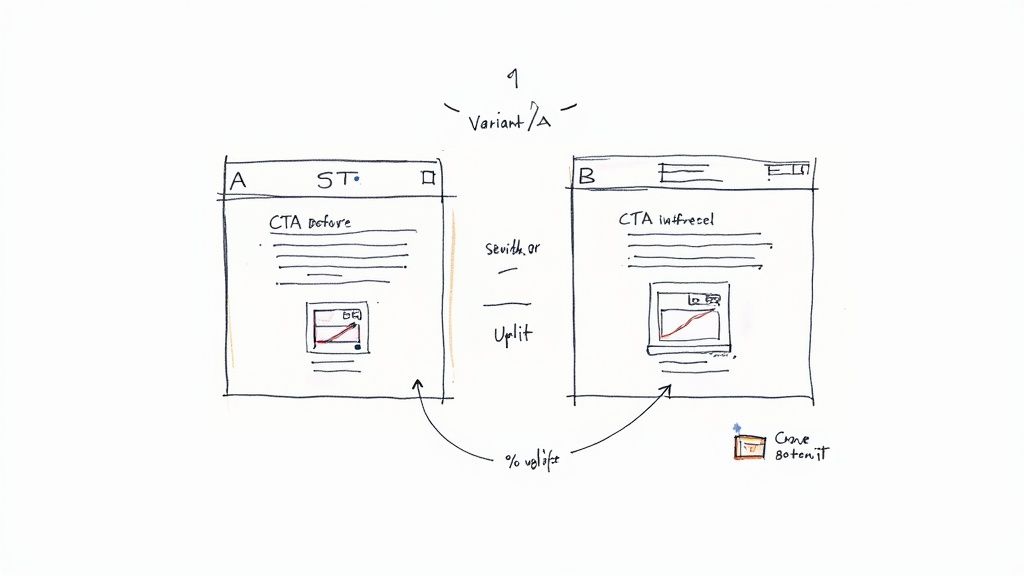
Headlines tend to move the needle fastest. In one B2B setup, swapping “Start Free Trial” for “Claim Your Audit” delivered a 17% jump in clicks.
Try this approach:
- Pick a single element—headline, image, button text—to test.
- Craft a hypothesis (for example, “Shorter headlines boost engagement”).
- Run experiments via Google Ads or a platform like Google Optimize.
Alternatively, leverage Google Ads Drafts & Experiments for on-platform variation testing without extra code, keeping ad and landing page experiments in sync.
Test Setup And Sample Size
A solid sample size separates meaningful insights from random noise. Aim for at least 1,000 visitors per variant when you can. For campaigns of moderate traffic, that often reaches significance in 2–4 weeks.
“Proper sample size is often overlooked but critical for reliable A/B results,” notes a Google Ads expert.
To calculate your test requirements:
- Use an online calculator based on your baseline conversion rate.
- Adjust for a confidence level of 95%.
- Plan the duration around your traffic volume and ad spend.
Analyze Results And Iterate
Once you hit statistical significance, let the data guide you. If a variant wins, roll it out site-wide. If it falls short, refine your hypothesis or pick a fresh element to test.
Key metrics to track:
- Conversion Lift: The percent change between control and variant
- Statistical Confidence: Ensure p-value is below 0.05
- Context Factors: Time of day or specific audience segments
“Iterating on winners can yield compounded gains of 30% or more over time.”
As you collect wins, build a testing roadmap. Document each result, then shift focus—maybe tweak your hero image colors or reduce form fields next.
Numbered Steps For Ongoing Growth
-
- Schedule monthly A/B reviews to keep momentum
-
- Prioritize tests that target your biggest drop-off point
-
- Integrate findings into creative guidelines for future campaigns
This repeatable cycle turns a static page into a growth engine for your Google Ads budget.
Faster lead forwarding sharpens your test insights. Using Pushmylead, results land in your inbox almost instantly so you spot winners sooner.
| Method | Delay | Impact |
|---|---|---|
| Manual export | 60+ minutes | Delayed analysis |
| Pushmylead | <1s | Immediate feedback |
“Real-time data empowers faster decision-making and sharper iterations.”
Combine these insights to turn every A/B test into compounding growth.
- Always maintain a testing backlog to prevent idea overload effectively.
Frequently Asked Questions
What Is a Pay Per Click Landing Page
A pay-per-click landing page stands on its own, built specifically for Google Ads visitors. It cuts out distractions and zeroes in on a single action—whether that’s filling out a form or clicking a button.
How Do I Align Landing Page Copy With Google Ads Messaging
Keeping your ad and landing page talking the same language instantly builds trust. You might see conversion rates climb by 20% just by matching your headlines from ad to page.
- Mirror the exact search keywords in your main headline
- Use benefit-oriented subheads that echo your ad promise
- Reinforce urgency and social proof exactly as you did in the ad
Metrics To Track With Google Ads
Focusing on the right numbers tells you where to fine-tune. Keep an eye on CTR, conversion rate, cost per conversion, and bounce rate. Throw page speed and scroll depth into the mix to catch any user experience hiccups.
- Click-Through Rate highlights how well your ad leads into the page
- Conversion Rate shows the percentage of visitors taking action
- Cost per Conversion connects spend directly to results
- Bounce Rate flags content or performance mismatches
How Can I Improve Page Speed for Better Conversions
Load time is a silent conversion killer. When pages load in under 2.4 seconds, you’ll often see 35% more form completions.
- Compress visuals and switch to WebP or AVIF formats
- Strip out unused CSS and defer non-critical JavaScript
- Enable lazy loading using
loading="lazy"for off‐screen images
Quick Tips For Speed Optimization
- Set up a CDN to serve assets from the nearest server
- Limit third-party scripts and inline your critical CSS
- Run regular audits with Lighthouse to catch fresh bottlenecks
“Reducing load time by just half a second can boost conversions significantly,” says a Google Ads specialist.
How Does Real-Time Lead Forwarding Improve Performance
Getting leads in your inbox the second they submit cuts response time and keeps prospects warm. Many agencies report up to 40% faster replies when leads drop in instantly.
- Immediate email or webhook alerts speed up outreach
- Faster follow-ups can lift conversion chances by 30%
Ready to capture more leads? Unlock instant forwarding with Pushmylead to supercharge your Google Ads ROI: Pushmylead