
Managing Google Ads campaigns means navigating a sea of data. Clicks, impressions, conversions, cost-per-acquisition (CPA), and return on ad spend (ROAS) are just the beginning. The native Google Ads interface is powerful for campaign management, but it falls short when you need to create clear, insightful, and client-ready reports. Manually exporting data to spreadsheets is a time-consuming process prone to errors, making it difficult to spot trends or prove your value effectively. This is the core problem that dedicated google ads reporting software is designed to solve.
These platforms automate the entire reporting workflow. They connect directly to your Google Ads account (along with dozens of other marketing data sources), pull the latest performance metrics, and present them in customizable, easy-to-understand dashboards. For a Google Ads agency or consultant, this automation is a game-changer. It frees up hours of manual work, allowing you to focus on strategy and optimization rather than building reports from scratch. The right tool transforms raw data into a compelling narrative that demonstrates campaign success and justifies marketing spend to stakeholders.
This comprehensive guide will help you find the best solution for your specific needs. We’ll dive deep into 12 of the top Google Ads reporting tools on the market, moving beyond generic feature lists. For each platform, you'll find:
- A practical analysis of its key features and unique strengths.
- Honest pros and cons based on real-world usage scenarios.
- Clear pricing information to help you budget effectively.
- Specific use cases for agencies, consultants, and in-house teams.
- Direct links and screenshots so you can see each tool in action.
Our goal is simple: to provide a clear, direct comparison that equips you to select the right google ads reporting software and elevate your analytics from basic data pulls to strategic business insights.
1. Google Looker Studio
As Google's own data visualization platform, Looker Studio (formerly Data Studio) offers the most seamless and direct integration with Google Ads. It serves as a powerful, free starting point for any consultant or agency looking to build custom, shareable reports. The platform's native connectors pull data directly from Google Ads, GA4, Sheets, and BigQuery without any extra cost, making it an essential piece of google ads reporting software for those deep in the Google ecosystem.
The primary advantage is its accessibility and power. You can create unlimited reports and dashboards for free, a feature that competing platforms often place behind a paywall. Its drag-and-drop interface is intuitive for building visualizations, though mastering its full capabilities requires some learning. For those just starting, leveraging pre-built dashboards can significantly speed up the process. To get a head start, you can explore various PPC reporting templates for Google Looker Studio that provide a solid foundation for client-ready reports.
Key Features & Considerations
- Pricing: The core product is completely free, offering unlimited reports and access to all Google-provided connectors. Looker Studio Pro adds enterprise features like team workspaces and organizational asset management, with pricing integrated into Google Cloud billing.
- Pros: Its unbeatable price point (free) and tightest possible integration with Google Ads make it a default choice. The platform is highly customizable and scalable.
- Cons: Connecting to non-Google data sources like Facebook Ads or LinkedIn Ads often requires purchasing paid third-party connectors, which can increase costs. The Pro pricing details can be difficult to find as they are managed through the Google Cloud platform.
- Best For: Agencies and consultants of all sizes who primarily work within the Google Ads ecosystem and need a powerful, cost-effective, and highly customizable reporting solution.
Website: https://lookerstudio.google.com
2. Supermetrics
Supermetrics acts as a powerful data pipeline, specializing in managed connectors that pull Google Ads and other marketing data into the reporting tools you already use. Instead of being a standalone dashboarding tool, it empowers platforms like Google Sheets, Looker Studio, and Excel by feeding them reliable, consolidated data from hundreds of sources. This makes it an indispensable piece of google ads reporting software for agencies needing to blend Google Ads performance with data from other channels like Facebook, LinkedIn, or SEO tools.
Its primary advantage is reliability and breadth of integrations. While you can connect Google Ads to Looker Studio for free, Supermetrics solves the problem of connecting everything else. The connectors are professionally maintained, ensuring they don't break when APIs change, a common headache with free or less robust solutions. The platform’s destination-specific packages allow teams to purchase only the connectors they need for the specific reporting environment they work in, offering a flexible deployment model.
Key Features & Considerations
- Pricing: Varies significantly based on the destination (e.g., Looker Studio, Google Sheets, BigQuery), the number of data sources, and the number of users. Plans are subscription-based, starting from around €39/month for single-connector plans.
- Pros: Its mature ecosystem of hundreds of reliable connectors is best-in-class. The per-destination pricing model provides flexibility, and scheduled data refreshes ensure your reports are always up-to-date.
- Cons: Costs can scale quickly as you add more data sources, destinations, and users. For agencies managing many clients with diverse marketing stacks, the pricing can become a significant expense.
- Best For: Agencies and marketing teams that need to report on multi-channel campaigns and require a reliable, automated way to pull data from various non-Google sources into a central reporting destination like Looker Studio or Google Sheets.
Website: https://supermetrics.com
3. Funnel
Funnel positions itself as a marketing data hub, focusing on the critical first step of reporting: collecting and cleaning data from numerous sources. With over 500 connectors, it excels at pulling Google Ads data alongside metrics from platforms like Facebook, LinkedIn, and TikTok, then standardizing it for analysis. This makes it a powerful piece of google ads reporting software for agencies and enterprises needing a single source of truth before data even reaches a visualization tool.
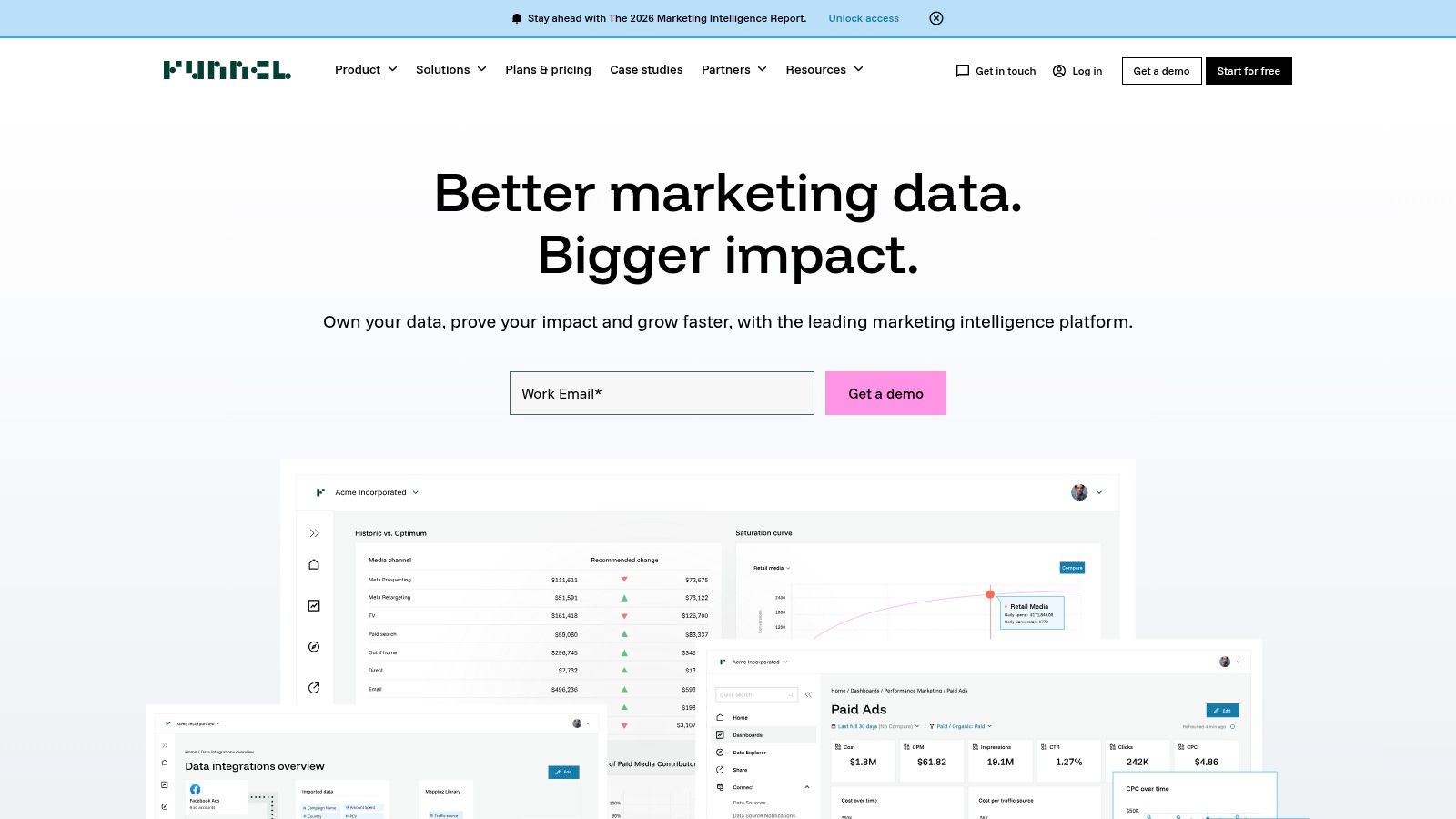
Its primary strength lies in its robust data transformation capabilities. Users can create custom rules to clean, group, and map data from disparate channels into a cohesive structure, solving common headaches like inconsistent campaign naming conventions. While Funnel offers its own dashboarding solution, its core value is feeding this pristine, aggregated data to other destinations like Google Looker Studio, BI tools, or data warehouses. This two-step approach ensures your reports are built on a reliable and unified foundation.
Key Features & Considerations
- Pricing: Funnel offers several tiers (Essentials, Business, Enterprise) with costs based on advertising spend and the number of connectors and data destinations. A price estimator on their site helps model potential costs, but exact quotes often require a sales call.
- Pros: Its extensive library of connectors and powerful data cleaning and transformation tools are ideal for complex, multi-channel marketing operations. The price estimator provides a transparent starting point for budgeting.
- Cons: The platform can be expensive, as costs scale with usage, connectors, and destinations. Its focus is more on data preparation than on being an all-in-one reporting tool, potentially requiring another subscription for visualization.
- Best For: Medium to large agencies and in-house marketing teams that manage significant ad spend across multiple platforms and require a sophisticated solution for data aggregation and harmonization.
Website: https://funnel.io
4. Whatagraph
Whatagraph is designed for speed and efficiency, making it an excellent choice for agencies and marketing teams that need to produce client-ready reports quickly. Its strength lies in combining direct data integrations with a user-friendly interface, allowing you to create visually appealing and branded dashboards without needing a dedicated analyst. As a piece of google ads reporting software, it simplifies the process from data connection to final presentation.
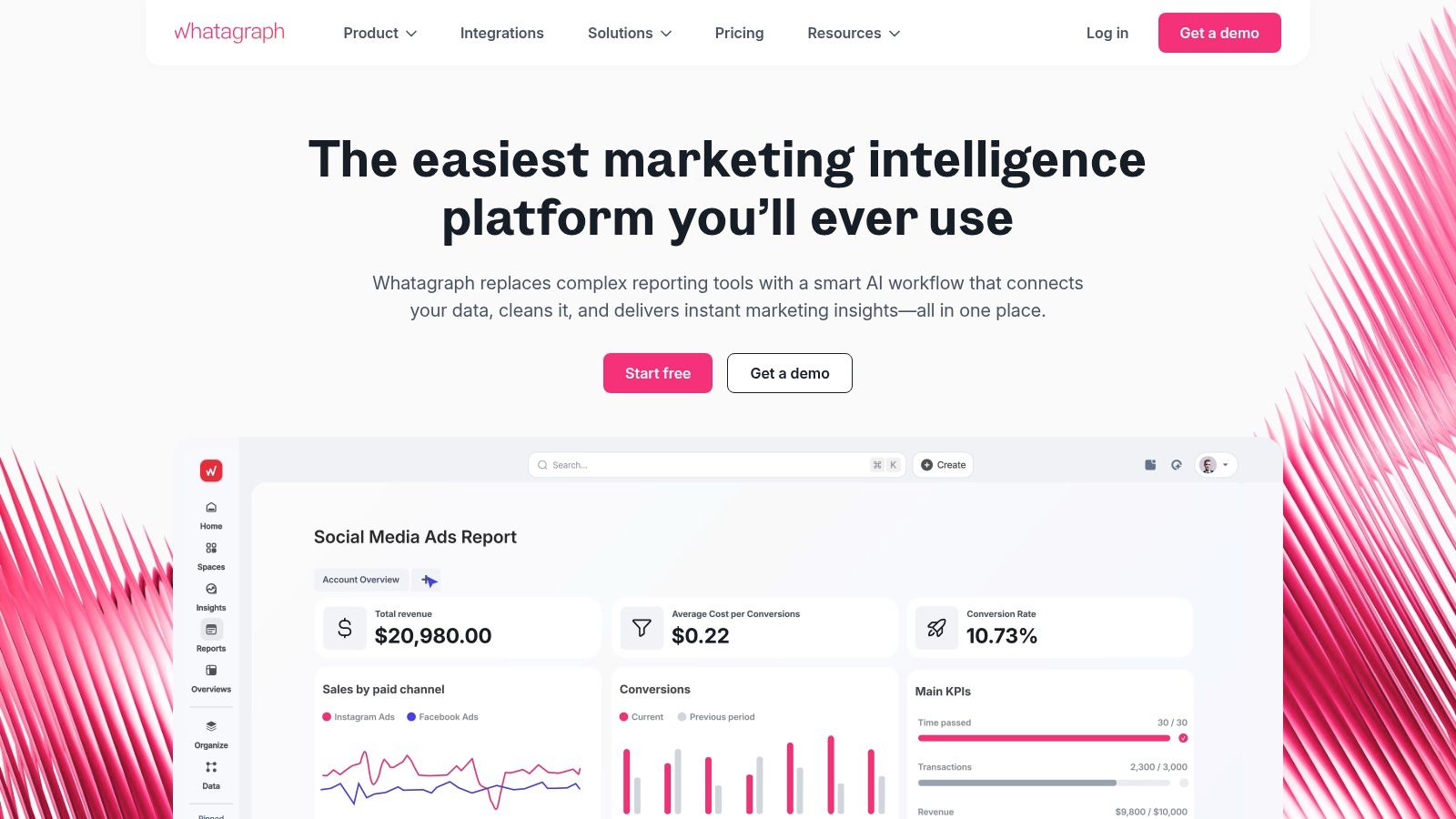
The platform offers over 45 native integrations, including a direct connection to Google Ads, which means you can pull in your campaign data in minutes without configuring third-party connectors. Features like automated report scheduling, white-labeling, and over 2,000 pre-made widgets help streamline agency workflows. The addition of Whatagraph IQ, an AI assistant, further speeds up analysis by generating written summaries and insights from your data, making your reports more valuable with less effort.
Key Features & Considerations
- Pricing: Starts with a freemium plan. Paid plans are scalable and based on data source credits, with specific pricing often requiring an in-app view or a direct quote, which can make upfront cost comparison difficult.
- Pros: Extremely fast setup and direct Google Ads integration. The focus on pre-made templates, widgets, and automated delivery makes it ideal for producing professional reports at scale.
- Cons: The credit-based pricing for data sources can become complex as you scale. Detailed pricing information is not as transparent on the public site compared to some competitors.
- Best For: Marketing agencies and in-house teams who prioritize speed, automation, and creating beautiful, branded reports for clients or stakeholders without extensive technical configuration.
Website: https://whatagraph.com
5. AgencyAnalytics
AgencyAnalytics is an all-in-one reporting platform built from the ground up specifically for marketing agencies. Its strength lies in combining deep Google Ads integration with a suite of agency management tools, including client portals, task management, and complete white-labeling capabilities. This focus makes it a comprehensive piece of google ads reporting software for agencies looking to streamline both their reporting and client communication workflows within a single, branded environment.
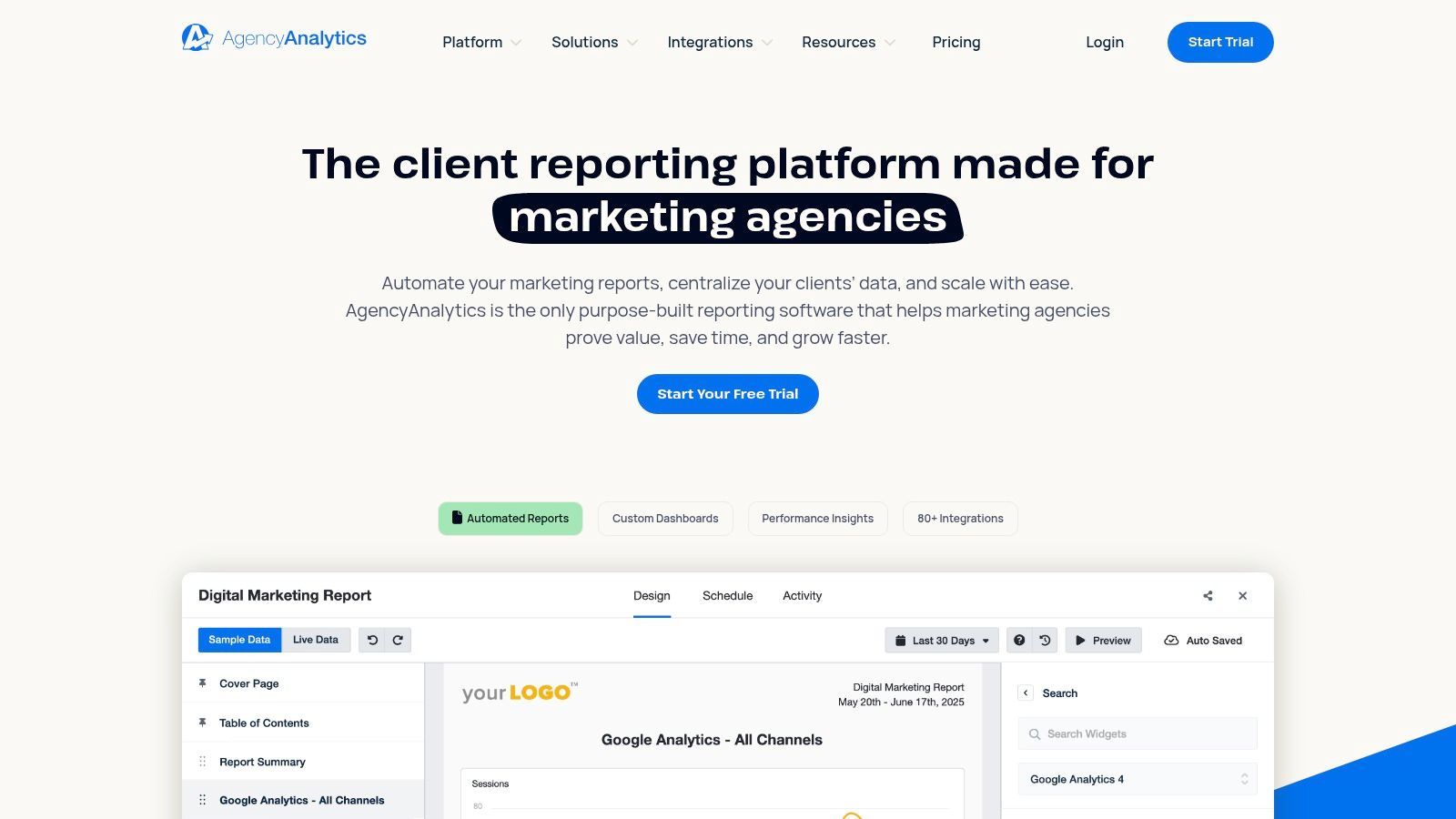
The platform stands out with its transparent, client-based pricing model, which simplifies scaling for growing agencies. Instead of complex feature tiers, you pay based on the number of client campaigns you manage, which aligns costs directly with revenue. With over 80 data integrations available, it excels at creating holistic marketing dashboards that pull in data from Google Ads, social media, SEO tools, and more, offering a complete picture of campaign performance. Features like automated report scheduling and AI-powered report summaries save significant time, allowing agencies to focus on strategy.
Key Features & Considerations
- Pricing: Starts at $12/month per client campaign (Freelancer plan), with agency-focused plans like Agency ($18/month per client) and Enterprise (custom pricing) offering more features and user seats. Additional costs apply for certain add-ons like advanced SEO tools.
- Pros: The transparent per-client pricing model is easy to understand and scale. Its robust agency-specific features, such as white-labeled client portals and built-in task management, streamline operations.
- Cons: Some crucial features, like advanced rank tracking or database connectors, are paid add-ons, which can increase the total cost. The platform is heavily geared toward agencies, so it might be overly complex for individual consultants or in-house teams.
- Best For: Marketing agencies of any size that need a unified platform to manage client reporting, dashboards, and internal workflows with strong branding and automation capabilities.
Website: https://agencyanalytics.com
6. DashThis
DashThis simplifies multi-channel reporting for agencies by focusing on ease of use and a unique pricing model. Instead of charging per data source or user, its plans are based on the number of dashboards you create. This approach is highly beneficial for agencies managing numerous Google Ads accounts, as all plans include unlimited integrations, data sources, and users, making it a scalable piece of google ads reporting software without hidden costs.
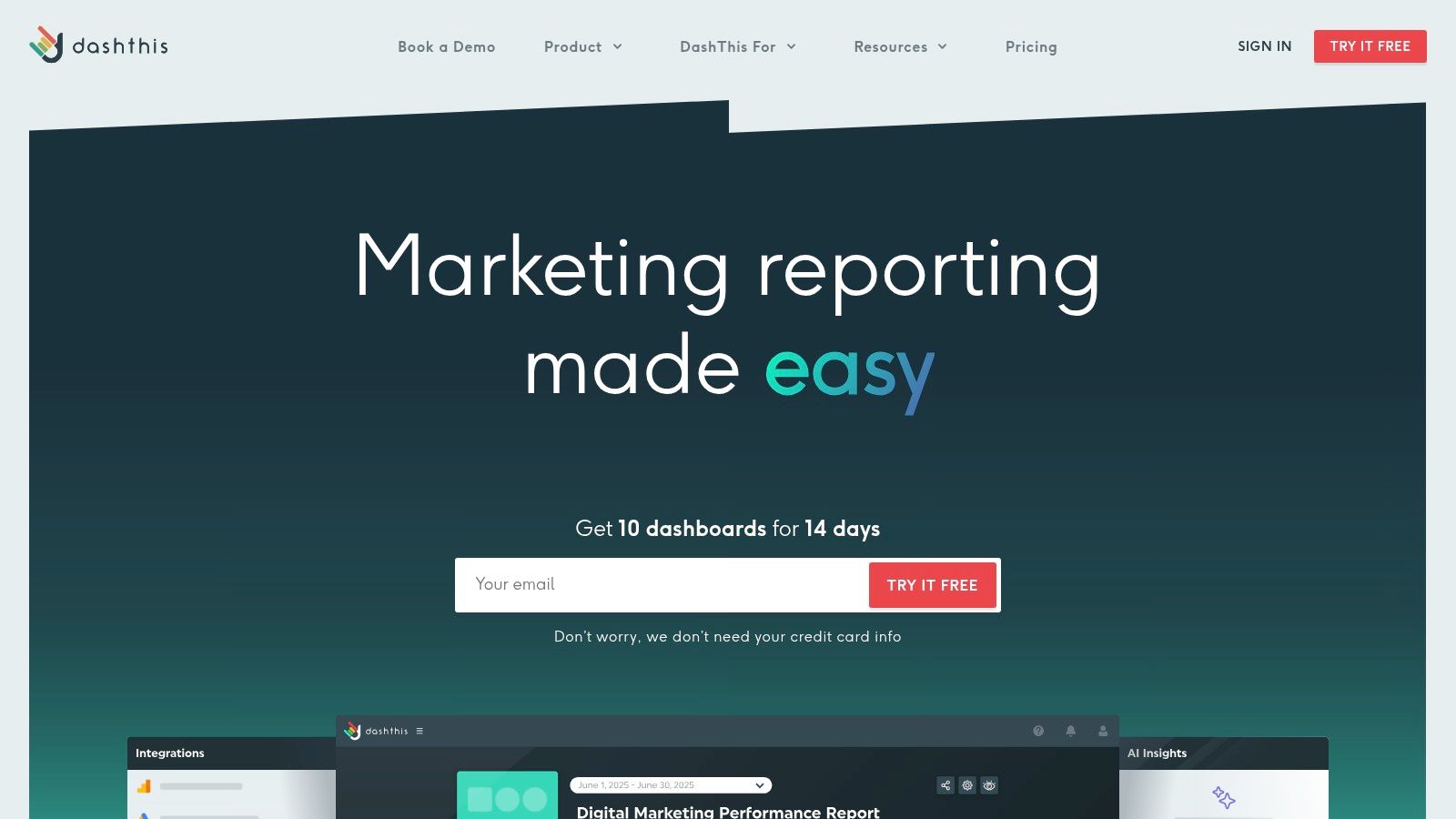
The platform excels at getting you started quickly. Its preset widgets and robust reporting templates for Google Ads mean you can generate professional-looking client reports with minimal setup effort. This focus on efficiency allows teams to spend less time building reports and more time analyzing performance and delivering insights. The user interface is clean and intuitive, designed for marketers who need fast, reliable, and shareable dashboards.
Key Features & Considerations
- Pricing: Plans are tiered based on the number of dashboards, starting from $45/month for 3 dashboards and scaling up. All plans include unlimited integrations and users, with a 14-day free trial available.
- Pros: The dashboard-based pricing is cost-effective for agencies with many clients or ad accounts. It offers very low setup effort with strong, ready-to-use reporting templates.
- Cons: Some granular Google Ads data, like Auction Insights or custom columns, may not be available directly through the API. These often require a workaround, such as importing data via a Google Sheet or CSV file.
- Best For: Marketing agencies and consultants who need to quickly create and manage reports for multiple clients across various platforms and want a predictable, scalable pricing model.
Website: https://dashthis.com
7. Swydo
Swydo is a reporting and monitoring platform built specifically for digital marketing agencies, offering a streamlined solution for creating professional, white-labeled client reports. Its primary strength lies in its simplicity and agency-centric features, such as automated scheduling, pre-built widgets, and integrated KPI and budget monitoring. For agencies managing multiple Google Ads accounts, Swydo simplifies the process of consolidating performance data into clear, easy-to-understand dashboards.
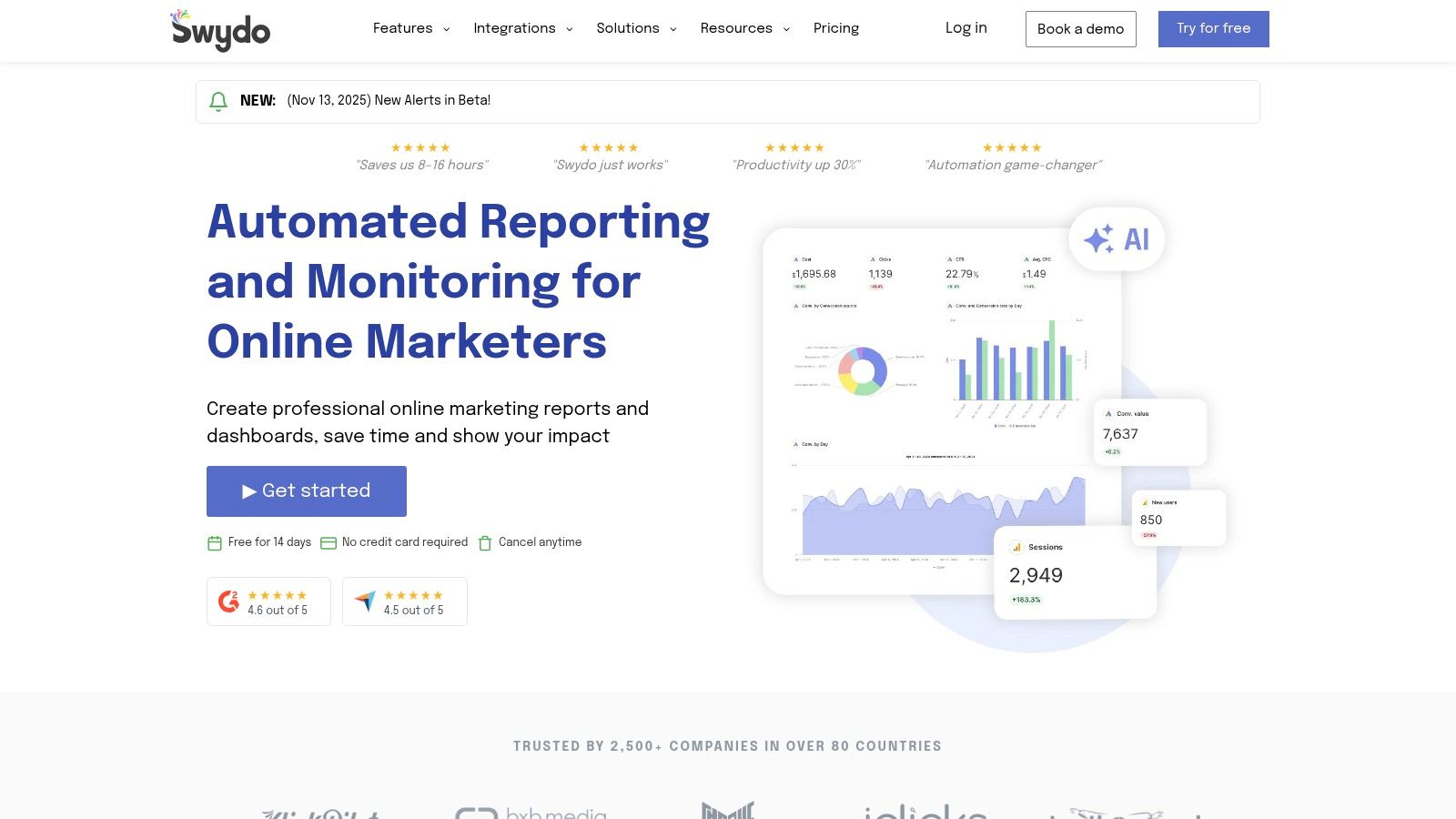
The platform is designed to save agencies time by automating the often tedious task of compiling monthly or weekly reports. With unlimited users and dashboards included in its single plan, Swydo allows teams to scale their reporting efforts without a corresponding jump in complexity or per-seat licensing fees. This straightforward approach makes it a practical piece of google ads reporting software for agencies that need to produce consistent, high-quality client updates efficiently across their entire portfolio.
Key Features & Considerations
- Pricing: Swydo offers a single plan with a 14-day free trial. Pricing scales based on the number of data sources (e.g., individual Google Ads or Facebook Ads accounts) you connect, starting around $49/month for 10 sources.
- Pros: Its simple, all-in-one plan and per-source pricing model are easy to understand and manage. The platform is highly geared toward PPC agency workflows with strong client-facing features.
- Cons: The per-data-source pricing can become costly for agencies managing a large number of ad accounts. Pricing is also set in EUR for EU customers and USD for others, which can cause minor currency fluctuations.
- Best For: Small to mid-sized PPC agencies looking for an efficient, all-in-one reporting tool with strong white-labeling and automation features that prioritizes simplicity and speed.
Website: https://www.swydo.com
8. Databox
Databox is a modern business intelligence (BI) platform designed to aggregate performance data from various sources into a single, unified view. With over 130 integrations, it excels at pulling Google Ads data alongside metrics from social media, email marketing, and CRM platforms. This makes it a powerful piece of google ads reporting software for agencies needing to show clients the full-funnel impact of their campaigns. Its agency-friendly features, like white-labeling and account management, are specifically built for client reporting.
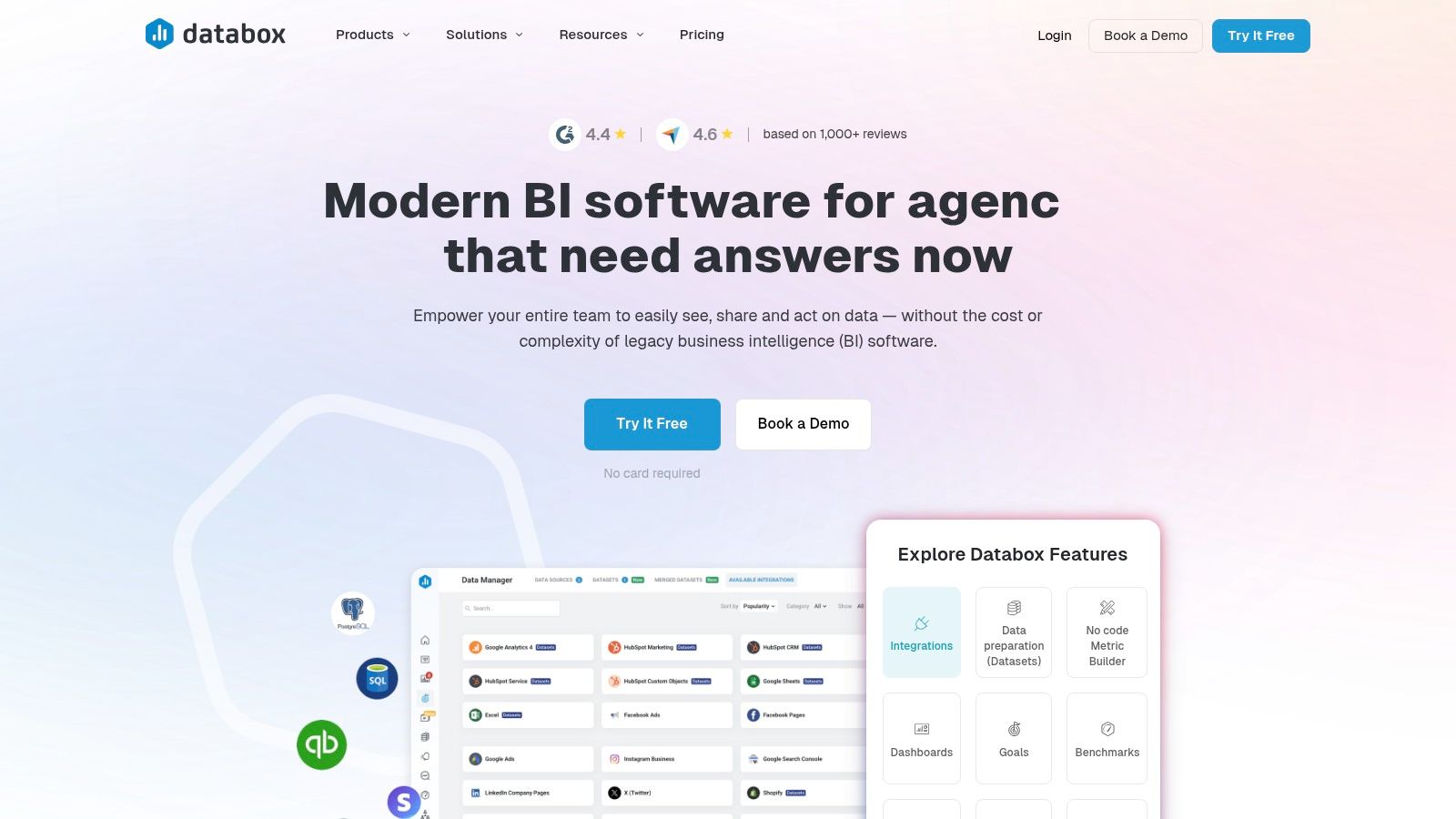
The platform stands out with its robust visualization capabilities and advanced features like AI-powered performance summaries and predictive forecasting. Smart alerts can automatically notify you of significant changes in your Google Ads accounts, allowing for proactive campaign management. The ability to add unlimited users and client accounts on paid plans simplifies team collaboration and client onboarding, making it a scalable solution for growing agencies.
Key Features & Considerations
- Pricing: Databox offers tiered pricing starting with its Agency Starter plan at $111/month for 10 data source connections. A white-label add-on is available for an additional fee. It previously had a free plan, which is being sunset, and offers a 14-day free trial.
- Pros: It provides excellent visualization tools and an extensive library of integrations. The agency-specific features and scalable account structure are ideal for managing multiple clients.
- Cons: The recent sunsetting of its free plan and a higher entry price point may make it less accessible for freelancers or small agencies with limited budgets.
- Best For: Marketing agencies and in-house teams that need a centralized BI tool to report on Google Ads performance alongside data from numerous other marketing channels.
Website: https://databox.com
9. Adverity
Adverity is an enterprise-grade marketing data integration and analytics platform designed for large, complex organizations. It excels at harmonizing data from hundreds of sources, including Google Ads, and is built to handle massive data volumes, making it a robust piece of google ads reporting software for multi-brand and multi-region agencies or enterprises. Its core strength lies in its ability to automate data collection, transformation, and governance at scale.
Unlike tools built for smaller teams, Adverity is engineered for environments managing tens or hundreds of millions of rows of data per month. It provides advanced governance features, ensuring data quality and consistency across a large organization. This focus on enterprise needs is also reflected in its support model, which includes dedicated implementation services, training, and professional support to ensure successful deployment within complex marketing ecosystems.
Key Features & Considerations
- Pricing: Adverity offers Standard and Professional tiers with row-based pricing. Pricing is not publicly listed and requires a custom quote through a sales engagement, reflecting its enterprise focus.
- Pros: It is designed to handle extreme complexity in multi-brand and multi-region reporting environments. The platform offers strong governance, scalability, and dedicated enterprise support.
- Cons: The platform is significantly more complex and expensive than SMB-focused reporting tools. Its enterprise nature means pricing is opaque and requires a sales process.
- Best For: Large enterprises and global agencies that require a powerful, scalable data integration solution with advanced governance to manage complex reporting structures across numerous ad accounts and regions.
Website: https://www.adverity.com
10. Power My Analytics
Power My Analytics (PMA) specializes in one crucial aspect of reporting: getting your data where it needs to go. Instead of offering a standalone visualization platform, PMA provides robust, cost-effective data connectors that feed your Google Ads data into tools like Looker Studio, Google Sheets, Excel, and BigQuery. This makes it an ideal piece of google ads reporting software for agencies and analysts who already have a preferred visualization tool but need a reliable way to pipe in data from multiple sources without paying a premium.
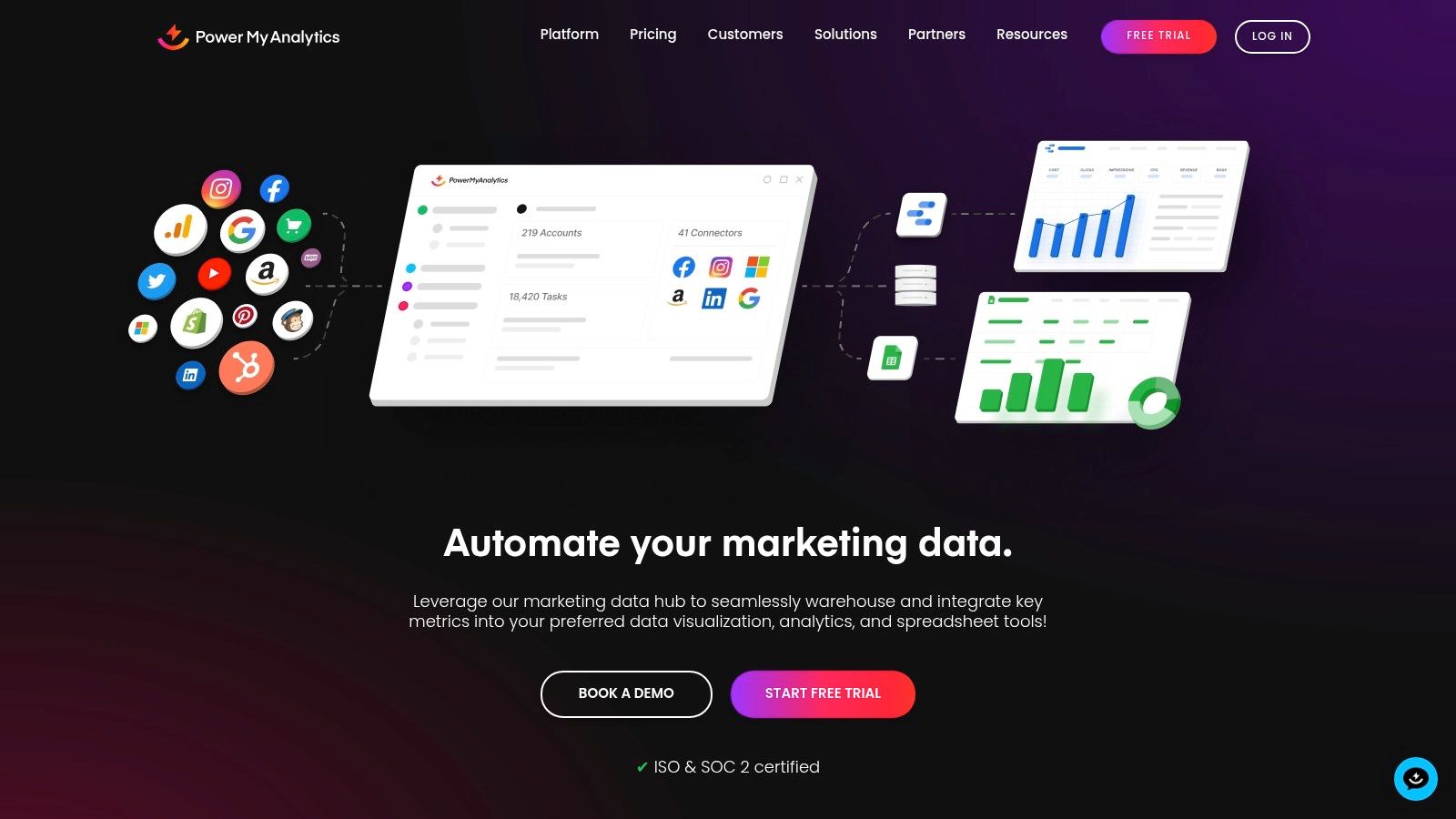
The platform's primary strength is its pricing model, which is highly competitive and scales transparently. It's particularly beneficial for agencies managing numerous Google Ads accounts, as many plans allow for a generous number of accounts per connector. PMA focuses purely on data transport, ensuring its connectors are stable and well-maintained. This singular focus means you get a high-quality data pipeline without paying for dashboard features you might not need, allowing you to build your reports on a solid data foundation.
Key Features & Considerations
- Pricing: Offers a 14-day free trial. Paid plans are tiered based on the number of accounts and data sources, with clear, sliding-scale pricing for overages. Add-ons are available for features like hourly data refreshes and increased export limits.
- Pros: Very competitive pricing compared to other connector providers, making it budget-friendly. The platform scales effectively for agencies managing a large volume of Google Ads accounts.
- Cons: It's not an all-in-one reporting tool; you still need a separate platform like Looker Studio or Tableau for data visualization. Its feature set is entirely connector-centric, so those seeking built-in dashboarding tools must look elsewhere.
- Best For: Marketing agencies and data analysts who need to connect many Google Ads accounts to their existing BI tools or spreadsheets and are looking for a highly reliable, cost-effective data connector solution.
Website: https://www.powermyanalytics.com
11. TapClicks
TapClicks is a comprehensive marketing operations and reporting suite designed for large agencies and media companies that manage numerous clients. It excels at consolidating data from a wide array of sources, including a detailed Google Ads connector. The platform's strength lies in its ability to streamline reporting workflows at scale through templated solutions like SmartReports and SmartSlides, making it a powerful piece of google ads reporting software for complex, multi-channel environments.
Its extensive connector library, which features over 250 integrations and custom SmartConnector options, ensures that Google Ads data can be analyzed alongside metrics from virtually any other platform. This holistic view is crucial for agencies aiming to demonstrate the full impact of their marketing efforts. The platform's Google Ads connector provides granular field coverage, pulling in data from campaigns, asset groups, geographic locations, and video performance metrics for in-depth analysis.
Key Features & Considerations
- Pricing: The core platform pricing is customized and typically requires a quote based on the scale of your agency's needs. Trials are available for specific Looker Studio bundles and account quotas.
- Pros: Its massive connector catalog and enterprise-grade reporting features are ideal for high-scale, multi-client reporting. The templated reporting options significantly speed up report creation.
- Cons: Pricing is not transparent and is geared towards larger organizations, potentially making it inaccessible for smaller consultants or agencies. Managing Looker Studio bundles and connector limits may require additional account management.
- Best For: Large agencies and media companies requiring a robust, all-in-one data warehouse and reporting solution to manage and automate reporting across a large and diverse client portfolio.
Website: https://www.tapclicks.com
12. NinjaCat
NinjaCat is a performance reporting and business intelligence platform built specifically for marketing agencies managing multiple clients. It centralizes marketing data from various sources, including Google Ads, and uses AI agents to streamline analysis, pacing, and optimization tasks. This focus on agency-level workflows and governance makes it a powerful piece of google ads reporting software for larger teams that need more than just standard dashboards.
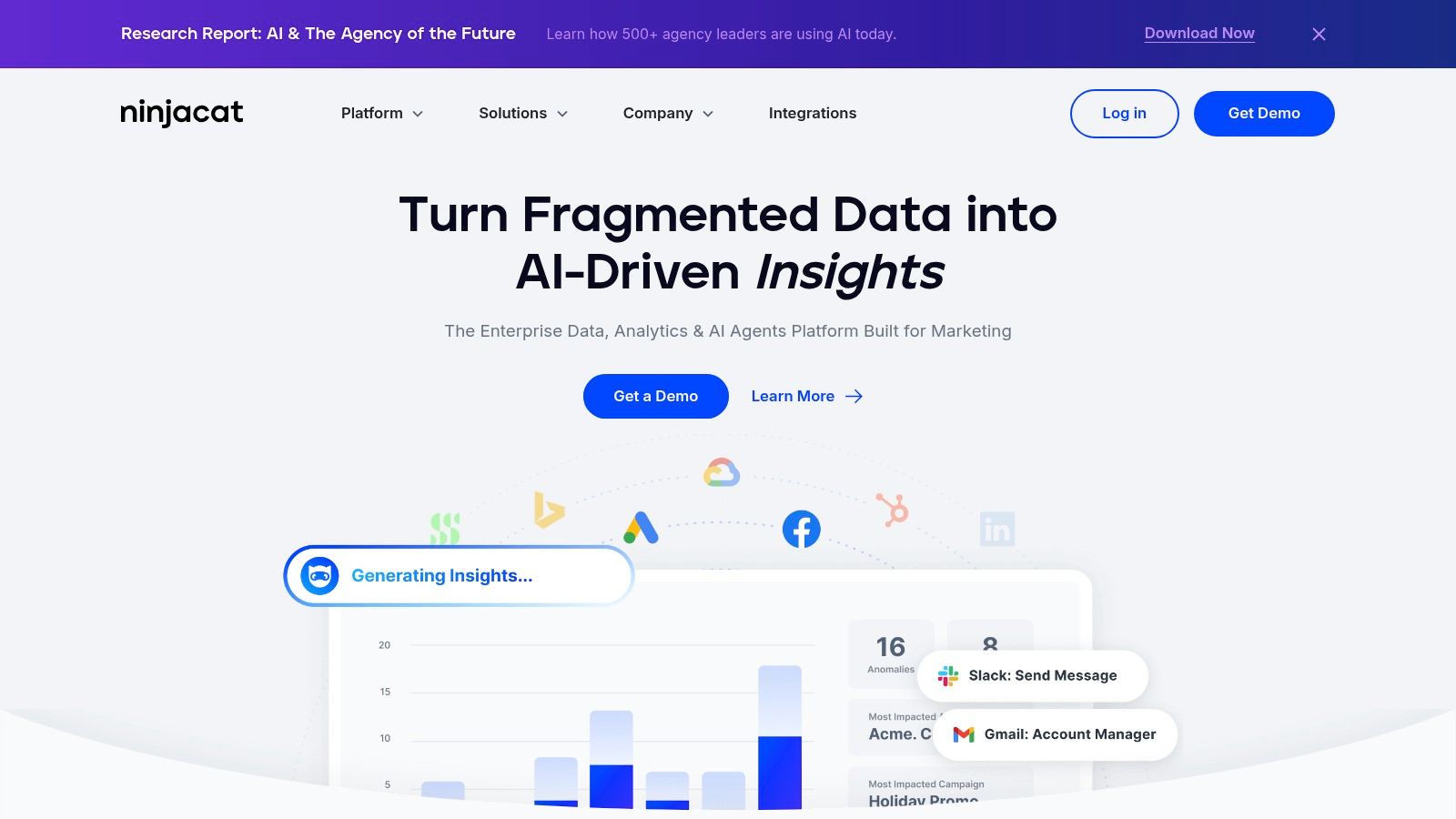
The platform's standout feature is its emphasis on AI-assisted PPC insights. NinjaCat’s AI can handle tasks like budget pacing alerts, performance anomaly detection, and even negative keyword mining, freeing up account managers to focus on strategy. Instead of a standard free trial, they offer proof-of-concept engagements, allowing agencies to see the platform's value with their own data before committing, which is ideal for teams with complex reporting needs.
Key Features & Considerations
- Pricing: Pricing is custom and not publicly listed. Access requires engaging with their sales team for a demo and a tailored quote based on agency size and needs.
- Pros: It is perfectly suited to larger agencies that require custom workflows, enterprise-level governance, and account management tools. The focus on AI-assisted PPC tasks offers significant efficiency gains.
- Cons: The lack of transparent, self-serve pricing makes it inaccessible for smaller agencies or solo consultants. The engagement process is sales-led, which can be a barrier for those wanting to quickly test a tool.
- Best For: Large to enterprise-level marketing agencies that need a scalable, centralized reporting solution with advanced AI capabilities to manage complex, multi-channel client accounts.
Website: https://www.ninjacat.io
Top 12 Google Ads Reporting Tools Comparison
| Product | ✨ Key features | 👥 Target audience | ★ Quality | 💰 Pricing / Value | 🏆 USP |
|---|---|---|---|---|---|
| Google Looker Studio | ✨ Native Google Ads, GA4, BigQuery connectors, unlimited free reports | 👥 Teams & enterprises needing tight Google stack | ★★★★★ | 💰 Free core; Pro via Google Cloud | 🏆 Best native Ads integration |
| Supermetrics | ✨ Managed connectors to Sheets, Looker Studio, warehouses | 👥 Analysts & reporting teams needing fast connectors | ★★★★☆ | 💰 Per-destination plans; scales with sources | 🏆 Wide, reliable connector ecosystem |
| Funnel | ✨ 500+ connectors, transformations & governance | 👥 Agencies & enterprises needing cleaned data | ★★★★☆ | 💰 Quote/estimator-based; scales by usage | 🏆 Robust ETL + reporting in one |
| Whatagraph | ✨ 2,000+ widgets, branded automated reports, AI summaries | 👥 Agencies & client-reporting teams | ★★★★ | 💰 Freemium/start; credit-based scaling | 🏆 Fast client-ready, branded reports |
| AgencyAnalytics | ✨ White-label portals, roll-ups, agency workflows | 👥 Agencies billing by client | ★★★★ | 💰 Transparent per-client pricing | 🏆 Agency-focused billing & client features |
| DashThis | ✨ Preset Google Ads widgets, dashboard-based pricing | 👥 Agencies with many accounts wanting templates | ★★★★ | 💰 Priced by dashboards, no per-source fees | 🏆 Low-setup, dashboard-centric simplicity |
| Swydo | ✨ Budget/KPI monitoring, AI analysis, per-source pricing | 👥 PPC agencies wanting simple scaling | ★★★★ | 💰 Single plan + per-data-source scaling | 🏆 Straightforward source-based pricing |
| Databox | ✨ 130+ integrations, AI summaries, alerts & forecasting | 👥 Agencies & performance teams needing alerts | ★★★★ | 💰 Higher entry pricing; no free plan soon | 🏆 Strong visualization + forecasting tools |
| Adverity | ✨ Enterprise-grade governance, high-volume scaling | 👥 Large enterprises, multi-brand/multi-region | ★★★★★ | 💰 Custom/quote; row-based options | 🏆 Enterprise scalability & governance |
| Power My Analytics | ✨ Google Ads connectors, ISO/SOC2, sliding-scale pricing | 👥 Agencies needing many accounts per connector | ★★★★ | 💰 Very competitive; clear add-ons | 🏆 Cost-effective multi-account connectors |
| TapClicks | ✨ 250+ connectors, templated SmartReports/Slides | 👥 Media companies & large multi-client agencies | ★★★★☆ | 💰 Custom pricing; Looker bundles available | 🏆 Broad connector catalog + templating |
| NinjaCat | ✨ AI agents for PPC optimization, centralized data | 👥 Large agencies needing custom workflows | ★★★★☆ | 💰 Custom/quote only | 🏆 AI-assisted PPC operations & governance |
Automating Your Reports to Focus on Strategy
Navigating the landscape of Google Ads reporting software can feel overwhelming, but the journey from manual data pulls to automated, strategic insights is a transformative one for any agency or consultant. We've explored a wide range of tools, from the free and flexible Google Looker Studio to powerful, enterprise-level platforms like Adverity and NinjaCat. The core takeaway is clear: the right tool doesn't just save you time; it fundamentally changes how you approach your Google Ads campaigns.
Manual reporting is a significant drain on resources, often consuming hours that could be better spent on campaign optimization, client communication, and strategic planning. By automating the data collection, cleansing, and visualization process, you reclaim that valuable time. This shift allows your team to move from being data assemblers to data analysts, focusing on the "why" behind the numbers rather than just the "what."
From Data Overload to Actionable Insights
The best Google Ads reporting software acts as a bridge between raw data and strategic action. Instead of getting lost in endless spreadsheets and disparate metrics, these platforms consolidate your key performance indicators into clear, intuitive dashboards. This centralized view helps you spot trends, identify performance gaps, and communicate results to clients with greater clarity and confidence.
Remember, the goal isn't just to create beautiful reports. It's about generating insights that drive better decisions. Whether you're using a tool like Whatagraph for its simplicity or Supermetrics for its granular data control, the ultimate objective is to answer critical business questions that lead to improved campaign performance and stronger client relationships.
How to Choose the Right Google Ads Reporting Software for You
Selecting the perfect tool depends entirely on your specific context. There is no single "best" platform for everyone. To make an informed decision, revisit your core needs by asking these critical questions:
- What is your budget? Your financial constraints will immediately narrow the field. Tools like Looker Studio offer a no-cost entry point, while platforms like TapClicks or Adverity represent a significant investment for larger operations.
- How many data sources do you need? If you only report on Google Ads, your options are broad. However, if you need to integrate social media, SEO tools, and CRM data, you'll need a platform with robust integration capabilities like Funnel or AgencyAnalytics.
- Who is the end-user? Are you creating reports for internal analysts who need deep, granular data, or for clients who require high-level, easily digestible summaries? The answer will guide your choice between a technical tool and one that prioritizes visual simplicity.
- What level of customization is required? Do you need complete control over every widget and metric, or are pre-built templates sufficient for your needs? This is a key differentiator between platforms like Looker Studio (high customization) and DashThis (template-driven).
- Does the tool support your growth? Consider your agency's future. A tool that works for five clients might not scale effectively to fifty. Evaluate pricing tiers and features to ensure the software can grow with you.
For many organizations, implementing new software is just the first step. To truly unlock the power of your data across all business functions, a more holistic approach is often necessary. For businesses looking to go beyond just software and implement a comprehensive data strategy, engaging in Business Intelligence consulting can transform how data is leveraged for growth.
Ultimately, investing in the right Google Ads reporting software is an investment in efficiency, clarity, and strategic capability. By offloading the repetitive, time-consuming tasks of data management, you empower your team to focus on what truly matters: delivering exceptional results and proving the immense value of your work.
Ready to close the loop between your reporting and your sales process? Pushmylead integrates directly with your advertising and CRM platforms to automatically forward qualified leads to your sales team in real time, ensuring no opportunity is missed. Stop letting valuable leads sit in a spreadsheet and start converting them faster with Pushmylead.