
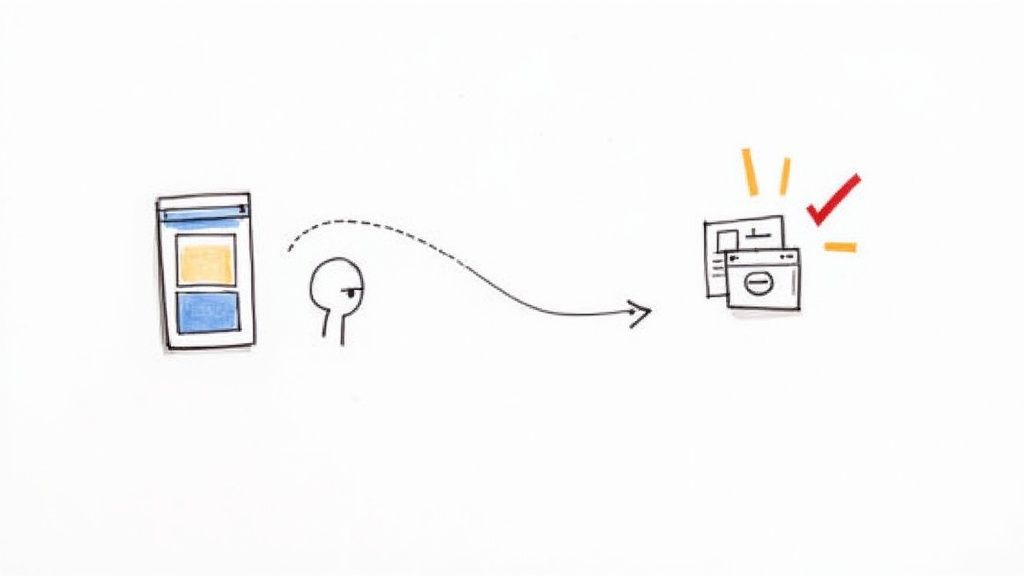
Ever heard of a view-through conversion (VTC)? It’s a sneaky but powerful metric in the Google Ads ecosystem. It happens when someone sees your ad—say, on YouTube or a website in the Google Display Network—but doesn't click it. Then, sometime later, they find their way to your website on their own and convert.
This metric is all about capturing the subtle, long-term influence of your visual ads. It gives credit to the impression, even when there wasn't an immediate click.
What Happens When an Ad Is Seen But Not Clicked
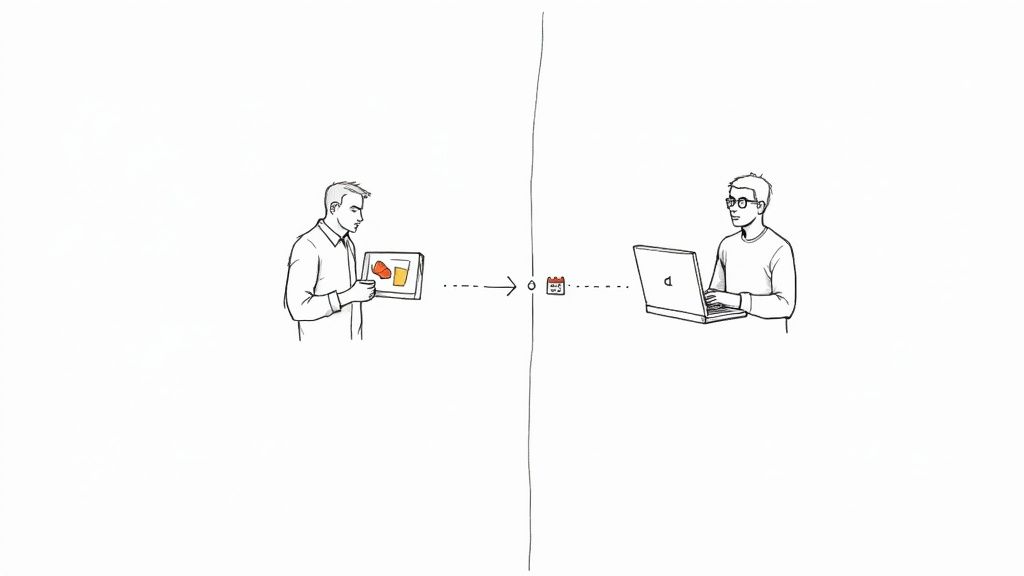
It’s a classic head-scratcher for anyone running Google Ads campaigns. You launch a killer display or video campaign, but the numbers look disappointing. You’re seeing very few clicks and even fewer direct conversions. Yet, at the same time, your overall sales or leads are up. What gives?
The answer is often the view-through conversion.
Think about it from a user's perspective. Someone is scrolling through their favorite blog and sees your eye-catching banner ad for a new pair of running shoes. They’re interested, but they're in the middle of reading an article, so they don't click. A day or two later, the thought of new running shoes pops back into their head. They remember your brand, go directly to your site, and make a purchase.
Google Ads is smart enough to connect that final purchase back to the initial ad they saw, logging it as a view-through conversion.
Uncovering Hidden Value
This is why VTCs are so crucial. The path a customer takes is rarely a straight line. View-throughs help you see the full picture and measure the real impact of your brand awareness campaigns, which are designed to influence decisions over time, not just drive an instant click.
They show the powerful, lingering effect your visual ads can have. For a deeper dive into how this works compared to click-based tracking, check out our guide on the difference between an impression vs click.
A view-through conversion is the bridge between brand awareness and direct response. It proves that even a fleeting glance at an ad can plant a seed that grows into a valuable customer action later.
If you weren't tracking VTCs, you might look at a display campaign's performance and decide to cut the budget, thinking it's a dud. In reality, that campaign could be silently fueling the top of your marketing funnel. Recognizing this hidden influence helps you make smarter decisions and give credit where it's due, justifying the ad spend that builds brand recall and ultimately boosts your bottom line.
Understanding VTC vs. Click-Through Conversion
To really get the most out of your Google Ads, you have to get your head around two different kinds of conversions: the view-through conversion (VTC) and the click-through conversion (CTC). The difference seems small, but it changes everything for your campaign analysis.
A click-through conversion is the one we all know and love. Someone clicks your ad, they land on your site, and they do what you want them to do—buy something, fill out a form, you name it. It's a straight line from ad to action. Simple.
A view-through conversion is a bit more subtle. This is when someone sees your display or video ad, doesn't click, but then later finds their way back to your website and converts. Google only counts this if it happens within a specific timeframe, which we call the conversion window.
Here’s an easy way to think about it: A CTC is like a customer clipping a coupon from a magazine and bringing it right to your store. A VTC is like that same person seeing a billboard for your store on their drive to work. They don't pull over immediately, but a few days later, they remember your brand and decide to stop by. Both paths lead to a sale, but they start from a very different place.
The Attribution Pecking Order
In the world of Google Ads, there's a clear hierarchy. A click always beats a view.
Let's say someone sees your display ad on Monday but doesn't click. Then, on Tuesday, they search for your brand, click your search ad, and make a purchase. Google will give 100% of the credit to the search ad click, not the display ad they saw the day before.
This makes sense—a click is a much stronger signal of intent than just seeing something. It's a deliberate action. If you want to dive deeper into how clicks are measured as a sign of engagement, it’s worth understanding what Click Through Rate (CTR) is and its role in your campaigns.
A click is an action; a view is an influence. Getting this right is the key to seeing the true, full impact of your advertising—especially for campaigns meant to build brand awareness.
Why This Matters for Your Strategy
So, why split hairs over this? Because knowing the difference is critical for deciding where to put your money and judging how well your ads are actually working.
View-through conversions help you measure the subtle, indirect power of your ads, which is a huge deal for display and video campaigns. With mobile now making up over 70% of all digital ad spending, you can't ignore a metric that captures influence on devices where people might see an ad but not be ready to click right away.
If you ignore VTCs, you're flying blind. You might be completely undervaluing those top-of-funnel campaigns that are quietly building your brand and teeing up future customers for your business.
How to Find and Configure VTC Data in Google Ads
Getting your hands on view-through conversion data is easier than you might think, but the settings are often tucked away. By default, Google Ads doesn’t even show VTCs in your main campaign reports. You have to manually add the column to see the full picture of your ad's influence.
Making this small tweak can instantly change how you see your display and video campaigns performing, revealing a layer of value that was completely invisible before. Let's walk through exactly how to find this metric and customize it.
This diagram shows the two different paths a customer can take—one influenced by just seeing an ad, the other by clicking it.
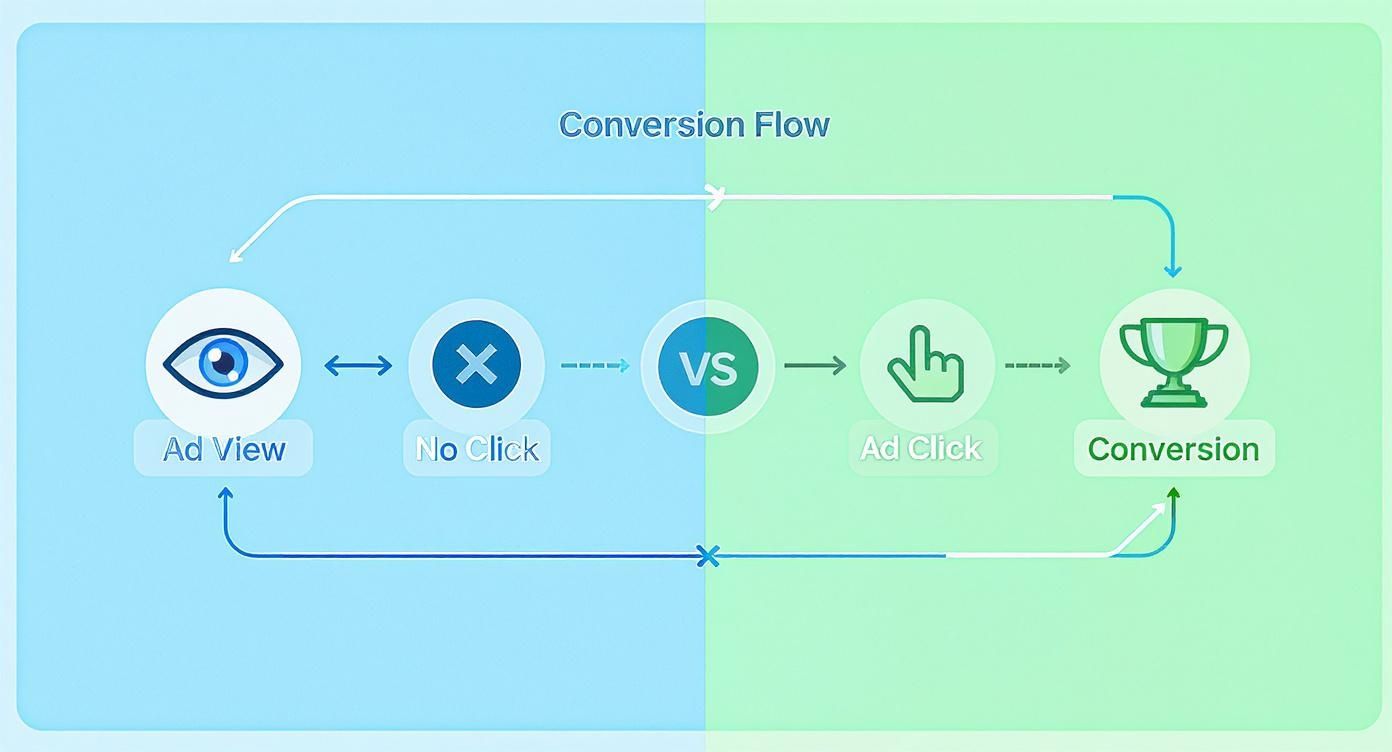
As you can see, the visual clearly separates the passive influence of an ad view from the active intent of a click, even when both ultimately lead to a conversion.
Adding the VTC Column to Your Reports
To start seeing your VTC data, you just need to add the column to your campaign view. It’s a straightforward process that honestly takes less than a minute.
Here’s how to do it:
- Navigate to a Campaign: Head into your Google Ads account and pick the Display, Video, or Performance Max campaign you want to check out.
- Modify Columns: Look for the ‘Columns’ icon right above the performance data table, click it, and then select ‘Modify columns’.
- Find the Metric: The quickest way is to just type “View-through conv.” into the search bar.
- Add and Apply: Check the box next to ‘View-through conv.’ and hit ‘Apply’.
And that's it. A new column will pop up in your report showing you the number of conversions that happened after someone saw your ad but didn't click. You can see this data at the campaign, ad group, and even the individual ad level.
Adjusting Your View-Through Conversion Window
Once you can see your VTCs, the next step is making sure the tracking window actually makes sense for your business. The view-through conversion window is simply the period after someone sees your ad during which a conversion can be counted.
The default window is just one day. For many businesses, especially those with a longer sales cycle, that’s way too short. You can extend this window up to a maximum of 30 days.
To change this setting, you’ll need to edit your specific conversion actions.
- In your Google Ads account, go to Goals > Conversions > Summary.
- Click on the conversion action you want to adjust (for example, 'Lead Form Submission').
- Click ‘Edit settings’ to open up the options for that action.
- Find the ‘View-through conversion window’ dropdown menu.
- Choose a new timeframe, anywhere from 1 to 30 days, that better matches how long it typically takes your customers to go from seeing an ad to taking action.
Picking the right window is a strategic move. A shorter window (1-3 days) gives you more confidence that the ad impression had a pretty direct impact. A longer window (15-30 days) is much better for businesses where customers take their time, allowing you to capture influence that builds over weeks, not hours.
The Risks of Misinterpreting VTC Data
While view-through conversion data can be a goldmine of insight, it comes with a big, flashing caution sign. Think of it less like a precise GPS coordinate and more like a directional compass—it points you in the right general direction, but you shouldn't rely on it as your only navigation tool. Leaning too heavily on VTCs can lead to some seriously flawed budget decisions and a warped view of how your campaigns are actually performing.
The biggest trap here is over-attribution. This is when a conversion gets credited to an ad impression that a user barely saw and that had little to no real impact on their decision to buy. Imagine someone was already typing your website into their browser, saw your display ad for a split second, and then converted. Google will chalk that up as a VTC, but the ad didn't really do any of the heavy lifting.
When VTCs Can Be Misleading
This issue really pops up in certain types of campaigns. Aggressive remarketing is a classic example. If you're hammering ads to people who just visited your site, they were probably going to convert anyway. A high VTC count in this case doesn't show you're influencing new decisions; it just shows you're advertising to an already hot audience.
The key takeaway is to treat a view-through conversion as a signal for brand influence, not a hard KPI for performance. Use it to understand brand lift, but rely on clicks and assisted conversions for making firm budget and bidding adjustments.
You also have to be careful with long purchase cycles. The importance of view-through conversion tracking is especially pronounced in industries where a customer might see your ads over and over for weeks before finally pulling the trigger. Take B2B eCommerce, for instance. It’s known for low conversion rates, averaging around 1.8%. These businesses depend on seeing the impact of multiple ad views over long lead times to justify their marketing spend, a trend highlighted in recent analysis on conversion rates across sectors on ruleranalytics.com.
Balancing VTCs with Other Metrics
To sidestep these pitfalls, you have to look at VTC data alongside your other key metrics. Never in a vacuum. Here’s how to get a more balanced, accurate picture of what's going on in your Google Ads account:
- Compare VTCs to CTCs: A healthy campaign will always have a solid base of click-through conversions. If your VTCs are massively outnumbering your CTCs, it could be a major red flag for over-attribution.
- Analyze Assisted Conversions: Dive into the "Assisted Conversions" report in Google Analytics. It will show you all the times your display and video ads helped nudge someone along their journey, even if they didn't get the final credit for the sale.
- Use Shorter Conversion Windows: Sure, a 30-day window is an option, but sticking to a much shorter one (like 3-7 days) makes it far more likely that the ad impression actually had something to do with the conversion.
By treating the view-through conversion as one piece of a much larger puzzle, you can get the brand awareness insights it offers without letting it muddy the waters of your core performance decisions.
Using VTC Insights to Optimize Your Campaigns
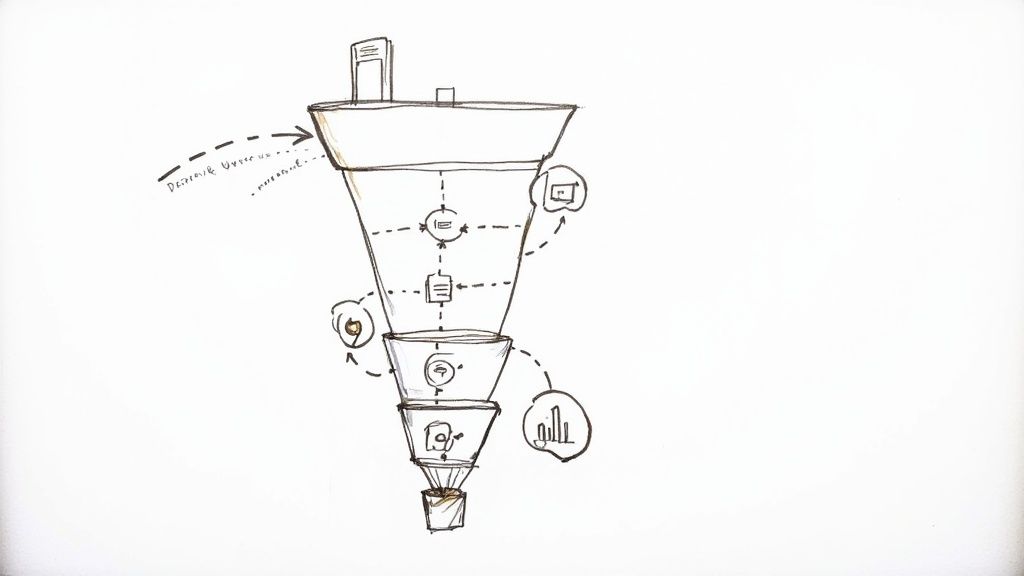
Alright, so you've got your view-through conversion data. Now what? It's time to actually use it. Think of VTCs less like a precise map and more like a compass—they point you in the right direction, helping you make smarter decisions that don't rely solely on that final click. This data is your secret weapon for proving the value of brand awareness campaigns.
Let’s say you're running a YouTube or Display campaign. On paper, it looks like a dud because the click-through conversion rate is abysmal. But then you add the ‘View-through conv.’ column to your report and see it’s quietly racking up hundreds of conversions.
That one piece of data completely flips the script. The campaign you were about to kill is suddenly revealed as a top-of-funnel powerhouse, planting the seeds for future sales.
A high VTC count is the proof you need to defend your awareness budget. It shows that even without a click, your ads are working hard to keep your brand top-of-mind.
This isn't just about saving campaigns from the chopping block; it's about making them better. By digging into which ads, audiences, or placements are driving the most VTCs, you can start investing more in what actually grabs your audience's attention.
Decoding the Modern Customer Journey
Nobody follows a straight line to a purchase anymore. The customer journey is a tangled web of touchpoints across different devices. VTCs help you make sense of this messy reality. Someone might see your video ad on their phone while on the train, think "that's interesting," and then search for you on their laptop that night to make a purchase.
The numbers back this up. Desktop users convert at a much higher rate (5.06%) than mobile users (2.49%), yet a whopping 65% of traffic comes from mobile. This gap is where VTCs live. People see ads on their phones and convert later on their desktops. To get the full picture, you simply have to account for this cross-device behavior.
Turning Insights into Optimization
So, what are the practical takeaways? How can you use this to get better results from your Google Ads?
- Creative Testing: Got a display ad with a low click-through rate but tons of VTCs? That's a huge clue. It tells you the branding is strong and memorable, even if the call-to-action isn't compelling an immediate click. Use that visual style in your other ads.
- Audience Refinement: Check which of your in-market or affinity audiences are bringing in the most VTCs. These are the people most receptive to your message. It's a clear signal to double down on them with more budget.
- Placement Performance: Dive into your placement reports. You might find a particular website isn't sending you much direct traffic, but it's a VTC goldmine. That means it’s the perfect spot for brand exposure to a highly relevant audience.
To take your optimization a step further, you can explore AI-powered lead generation strategies that help automate and improve how you follow up with new leads. When you combine smart VTC analysis with the right tech, you end up with a much stronger and more effective advertising strategy.
Making Every Google Ads Lead Count
https://www.youtube.com/embed/7VXgP0R5vT4
Getting a lead from a Google Ads campaign feels like a win, but it’s really just the first play in a much bigger game. The real challenge? Turning that initial spark of interest into actual revenue, and that all comes down to speed.
A huge, often overlooked bottleneck for businesses is the clunky process of getting leads out of Google’s lead form extensions. Too many teams are stuck manually downloading CSV files, which means a hot lead can sit in the Ads dashboard for hours, or even days, before anyone on the sales team ever sees it.
Think about that for a moment. By the time you follow up, that prospect has already moved on. Their initial problem might be solved, or worse, one of your quicker competitors has already swooped in. This delay doesn't just cost you a sale; it makes it nearly impossible to confidently tie revenue back to the ad that generated it, muddying your performance data.
Closing the Gap Between Lead and Follow-Up
This is where automation completely changes the game. Instead of treating your Google Ads account like a mailbox you have to check, you can set up a system that instantly sends every new lead exactly where it needs to go.
Tools like Pushmylead connect directly to your campaigns, acting as a high-speed delivery service for your leads. The moment someone fills out your form, their information is pushed straight to your CRM or email inbox.
This direct line creates a few powerful advantages:
- Strike While the Iron is Hot: Your sales team gets an alert in real-time, letting them engage with a prospect within minutes of their inquiry. This can be the single biggest factor in closing a deal.
- Never Miss an Opportunity: Automation eliminates the risk of a lead getting forgotten or lost in a spreadsheet. Every single lead is captured and sent to the right person, every time.
- Crystal-Clear Attribution: When you capture lead data instantly, it's far easier to trace a customer's journey. You can confidently connect a final sale back to its source, whether it was from a direct ad click or a view through conversion that planted the seed.
By creating a smooth, automated path from the initial ad to your sales team's conversation, you ensure every ad dollar is working as hard as it can. You're not just collecting leads; you're starting meaningful conversations at the perfect moment.
Common Questions About View-Through Conversions
Once you start digging into view-through conversion data, a few key questions always pop up. It's totally normal. Getting a handle on these will help you use this metric wisely and avoid jumping to the wrong conclusions. Let's walk through the big ones.
Do Google Bidding Strategies Use VTC Data?
This is probably the most important question for any Google Ads manager, and the answer is a firm no, not really.
Even though Google Ads tracks and reports VTCs, its automated bidding strategies like Target CPA and Target ROAS are designed to ignore them. Why? Because the algorithms are built to chase the strongest signals of intent, and a click is a much clearer signal than a glance.
The system sees a click as a deliberate choice, making it a far more reliable piece of data for predicting who will convert next. VTCs are filed away for your reference, but they don't steer the ship when it comes to automated bidding.
How Do I Know a VTC Is Not Just a Coincidence?
This is the million-dollar question. An impression followed by a conversion could just be a coincidence, right? You can't be 100% certain about any single VTC, but you can definitely build a case and get a feel for whether your ads are actually having an effect.
Here’s how you can gain more confidence in your Google Ads data:
- Look for patterns, not just one-offs. Check your VTC data over a few weeks or even months. If you see a consistent lift from a particular ad campaign or creative, that’s a strong sign it's doing its job, not just getting lucky.
- Tighten the window. The default 30-day window is pretty generous. Try shortening it to 3 or 7 days. If someone sees your ad and then converts within a few days, it’s much more likely the ad had something to do with it.
- Check your assists. Dive into the multi-channel funnel reports inside Google Analytics. These reports can show you when your display or video ads played a part early on in the journey, even if they didn't get the final click. It helps validate their quiet influence.
Should I Include VTCs in My Main Conversions Column?
This is a strategic call, and there’s no single right answer for everyone. It really depends on your campaign goals.
If you add VTCs to your main 'Conversions' column, you’re essentially telling your automated bidding strategies to count them. This gives the algorithm more conversion data to play with, which can feel helpful. The downside? You're watering down your data with weaker signals, and the algorithm might start chasing impressions instead of high-intent clicks.
My advice: For most campaigns focused on leads or sales, keep VTCs separate. Use them for insights into brand awareness and ad recall, but let your bidding strategies optimize based on hard, click-based conversions. If your goal is purely brand awareness, then including them can give you a better sense of your ads' total reach and impact.
Stop losing leads to manual downloads. Pushmylead ensures every Google Ads lead is sent to your inbox or CRM the moment it comes in, so you can follow up instantly and close more deals. See how it works at https://www.pushmylead.com.