

In the Google Ads ecosystem, click share is the percentage of clicks your ads received out of the total estimated number of clicks you were eligible to get. It's a critical Google Ads metric that shows how well you're capturing your audience's attention compared to everyone else bidding on the same keywords in the ad auction.
Put simply, it answers the question: when a click was actually available for your ad to win, did you get it?
What Exactly Is Click Share?
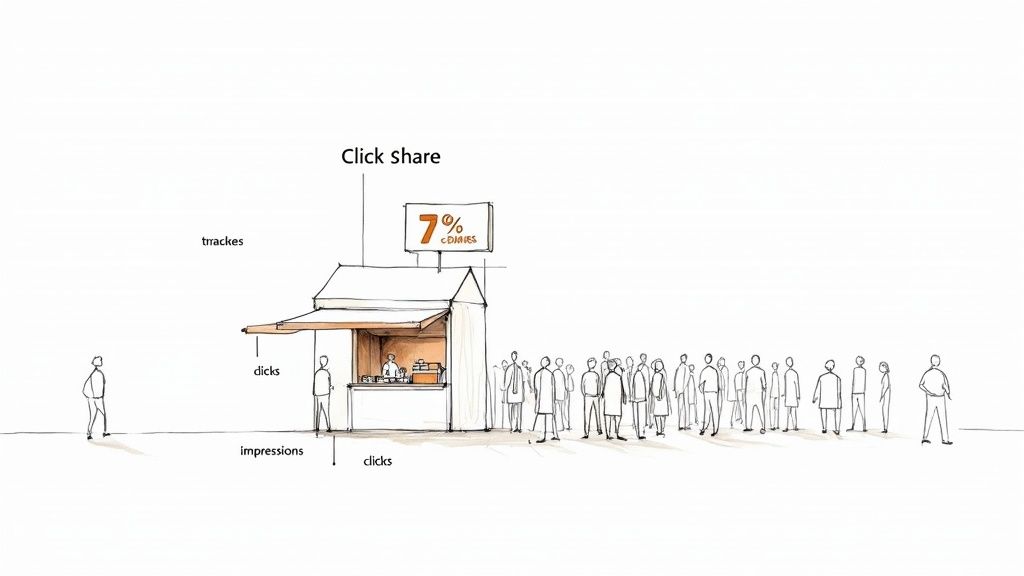
Think of it like this: imagine you run a popular coffee stand in a busy market. Every person who walks by and glances at your sign is an "impression." Impression Share, another key Google Ads metric, tells you what percentage of the total market crowd even saw your stand.
But Click Share gets to the heart of what really matters for your Google Ads account. It answers a much more valuable question: of all the people who were ready to buy a coffee right then and there, how many chose your stand over the competition?
This is why it's such a crucial metric for any PPC professional. It goes beyond just being seen (visibility) and measures actual engagement. A high click share means your ads aren't just showing up; they're compelling enough to make potential customers take action. It’s one of the best indicators of your campaign's real competitive punch in the Google Ads auction.
This diagram helps visualize that journey from just being seen to getting the click.
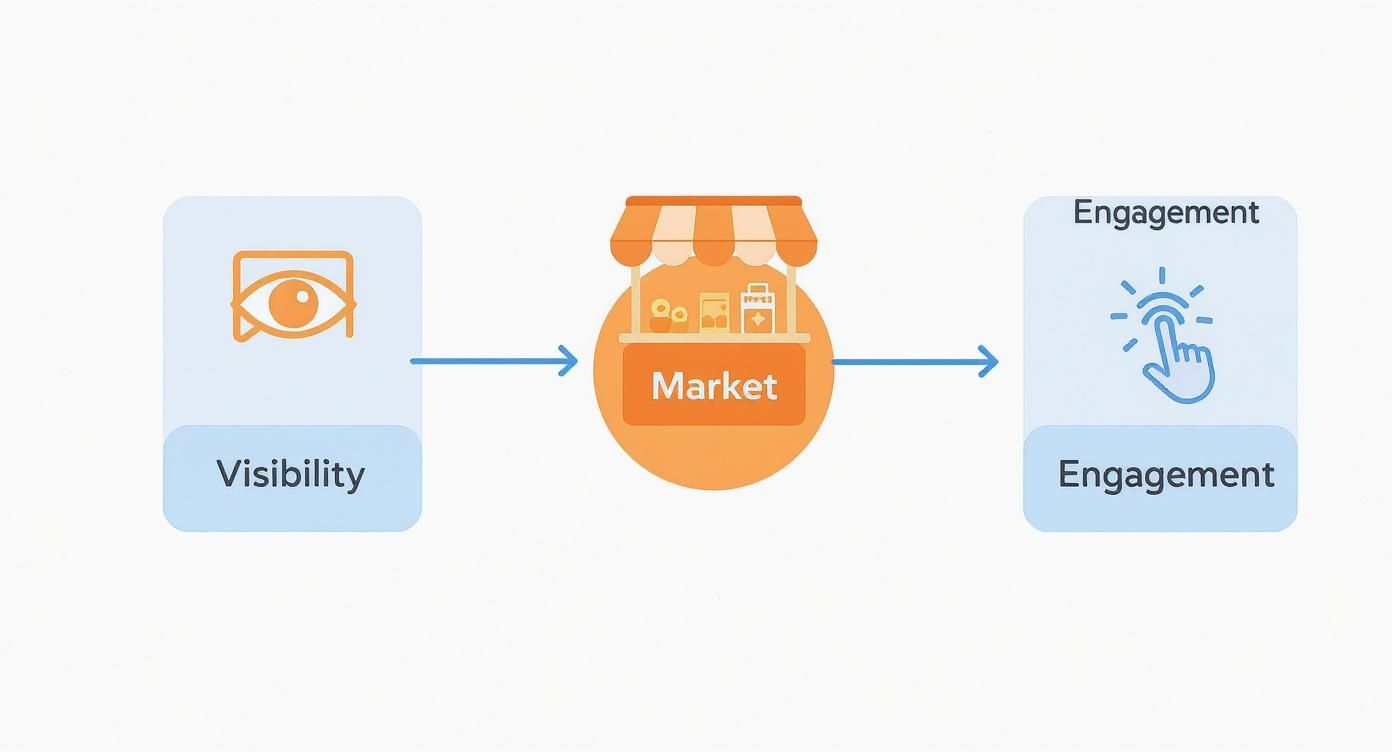
As you can see, getting your ad in front of people is just the first step. The real goal is to turn that visibility into a meaningful action that drives business results.
The Origin of This Metric
Click Share isn't a brand-new idea, but it became a game-changer for many advertisers when Google officially rolled it out to Search campaigns on February 11, 2019. It had been available for Shopping campaigns for a while, but bringing it to Search gave us a much sharper tool to gauge performance.
The metric was specifically designed to finally tell advertisers how many of the available clicks they were actually winning. If you want to dig deeper, you can discover more insights about the launch of Click Share and how it changed the way we look at Google Ads campaigns.
In essence, Click Share tells you how big your slice of the pie is, not just how many people walked past the bakery. It’s a direct reflection of your ability to convert ad eligibility into tangible interest.
Understanding this metric is the first step toward figuring out why your Google Ads campaigns are—or are not—driving the leads and sales your business needs. It gives you a clear, competitive benchmark for success.
Why Click Share Is a Critical Performance Metric
It’s one thing to know the definition of click share. It’s another thing entirely to understand why it deserves a prime spot on your Google Ads dashboard. Knowing this is what separates the good advertisers from the great ones.
Think of it less as just another number and more as a direct report card on your campaign's health and competitive muscle. When you see a high click share, it’s a strong sign that you’re doing a lot of things right—your bids are competitive, your ad copy is hitting the mark, and your targeting is zeroed in on your ideal customers.
The Diagnostic Power of Click Share
One of the best ways to use click share is as a diagnostic tool. When you put it side-by-side with Impression Share, you can pinpoint the real source of performance problems and stop guessing where your ad spend is going wrong.
Let’s walk through a classic Google Ads scenario: you’ve got a high Impression Share but your click share is in the gutter. This tells a very specific story.
- High Impression Share: Great! Your ads are being seen. Your budget and bids are high enough to get you in front of your target audience.
- Low Click Share: Not so great. Even though people see your ads, they aren't clicking. They're scrolling right past and choosing a competitor instead.
This combo immediately points to issues with your ad relevance, uninspired ad copy, or a weak offer. You’re winning the visibility battle but losing the engagement war. In this case, you know exactly where to focus your energy: improving your ad creative and value proposition, not just blindly throwing more money at your bids.
Your click share score is the bridge between being seen and being chosen. It measures how effective your message is at the exact moment a customer is ready to make a decision.
Connecting Clicks to Conversions and ROI
At the end of the day, every Google Ads campaign is about driving real business results—more leads, more sales, more revenue. Click share has a direct, measurable impact on these bottom-line goals. It's simple, really: capturing a larger piece of the available click pie drives more qualified traffic to your website and landing pages.
More traffic means more chances to turn curious prospects into paying customers. This is especially true for businesses that depend on a constant stream of leads, like those using Google Lead Form extensions. A higher click share is non-negotiable here. Every percentage point you gain in click share translates directly into more potential customers—people whose information can be instantly sent over with a tool like Pushmylead, allowing for lightning-fast follow-up and better close rates.
Think of it this way: if 100 potential customers are searching for your service and you only capture 30% of the clicks, you’re leaving 70 opportunities on the table for your competitors to scoop up. For any advertiser serious about maximizing their return on investment (ROI), improving click share isn't just a "nice-to-have." It’s one of the most direct paths to meaningful business growth.
How to Make Sense of Your Click Share Score
Figuring out what your click share score actually means is the first step to using it effectively. Everyone wants to hit a perfect 100%, but let's be realistic—a "good" score really depends on your specific situation. A number on its own is pretty meaningless without understanding the competitive dynamics of the Google Ads auction.
That said, you need a place to start. For most campaigns, a solid rule of thumb is to aim for a click share above 60%. Getting to that level usually means your ads are competitive, your messaging is on point, and you're capturing a good chunk of the clicks you could be getting. If you're falling below that, it’s often a clear sign that there's plenty of room to grow.
Top Position Equals More Clicks—It’s That Simple
One of the biggest factors driving your click share is your ad rank, which determines where your ad shows up on the page. Ads in that very top spot don't just get a few extra clicks; they get a ton more. Just think about your own search behavior. Chances are, you click one of the first results you see and rarely scroll down.
The data backs this up. A deep dive into 972 different Google Ads campaigns revealed a massive 0.89 correlation between Absolute Top Impression Share and Click Share. The message here is crystal clear: getting your ads to the top of the page is one of the fastest ways to boost your click share. You can dig into the full click share research to see how this plays out across different accounts.
So, if your ads are consistently buried at the bottom, your click share is going to take a hit, no matter how great your ad copy is.
Why Your "Good" Score Is Different from Everyone Else's
While 60% is a decent target, your click share will always be a reflection of your unique market. It's not a one-size-fits-all metric because every Google Ads auction is its own little world. Several things can make your score swing wildly:
- Industry Competition: A local plumber in a small town could probably hit an 80% click share without breaking a sweat. Meanwhile, a national insurance brand in a brutal, cutthroat market might have to fight tooth and nail just to hang on to 45%.
- Keyword Intent: The competition for high-stakes keywords like "buy running shoes now" is going to be intense, likely leading to lower click shares across the board. Compare that to a more research-focused keyword like "how to choose running shoes," where the auction pressure is lower.
- Device Type: Your performance can look totally different on mobile versus desktop. If your click share is tanking on mobile, it might be a clue that your website is clunky on smaller screens or your ads just aren't built for a mobile-first experience.
Think of your click share score as a report card on your market position. A low score isn't a failure—it's just data telling you that competitors are grabbing more of the attention right now. It’s your cue to rethink your strategy and fight back.
Diagnosing the Causes of Low Click Share
So, your click share is low. Don't just see it as a bad number on a report—think of it as a signal, a symptom pointing to a specific problem in your Google Ads campaign. Instead of making random changes and hoping for the best, you can play detective and figure out exactly what’s holding you back.
A low click share almost always comes down to a handful of usual suspects. Think of it as a diagnostic checklist. We can usually trace the problem back to one of three areas: your bids and budget, your ad quality, or where your ads are showing up on the page. You can even watch an expert breakdown of these causes to see this in action.
Let's dig into each of these to see where your campaign might be falling short.
Bids and Budget Constraints
This is often the first and most obvious place to look. If your bids aren't high enough to compete for a top ad spot, or if your daily budget taps out before the day is over, you're essentially handing clicks over to your competitors.
-
Insufficient Bids: The Google Ads auction is just that—an auction. Higher bids typically win better ad positions, improving your ad rank. If you're constantly being outbid, your ad gets shoved down the page where it’s practically invisible to most users.
-
Depleted Budget: A campaign that's "limited by budget" isn't running 24/7. Your ads might stop showing right before peak hours, meaning you're completely missing out when your most valuable customers are searching.
Poor Ad Quality and Relevance
Your ads might be showing up, but are they actually convincing anyone to click? Ad quality is a huge piece of the puzzle. A low click share is often a direct result of weak, uninspired ads that just don't resonate with your audience.
Think of it this way: getting your ad on the page is like getting a speaking slot at a conference. If what you say is boring or irrelevant, the audience will tune you out—no matter how prominent your stage is.
Here are a few common creative missteps within the Google Ads platform:
-
Weak Ad Copy: Is your headline generic? Does your description clearly solve a problem or highlight a benefit? If your copy doesn't grab attention, users will scroll right past it without a second thought.
-
Mismatched Offers: Your offer itself might not be competitive enough. If everyone else is promoting a 20% discount and you’re just listing features, it’s pretty clear who’s going to get the click.
-
Low Quality Score: Google's Quality Score is its way of measuring ad relevance. A low score tells Google your ad isn't a great match for the user's search, which can bury your ad's position and destroy your click share.
Actionable Strategies to Increase Your Click Share
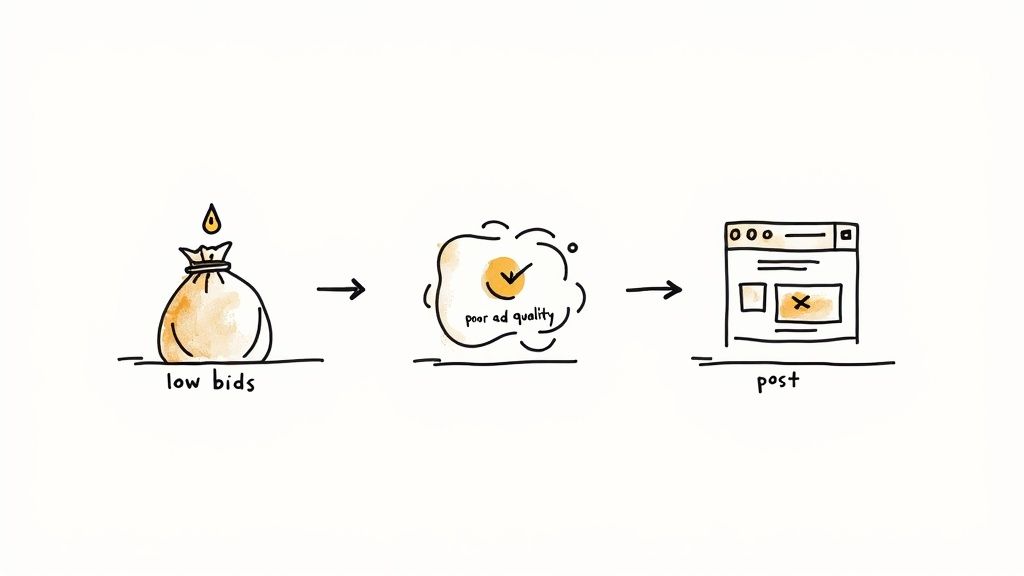
The graphic above shows a simple truth: everything in your Google Ads account is connected. Your bids, relevance, and overall ad quality all work together to determine whether your ad gets seen and clicked. Knowing what click share is is one thing, but actually improving it is where the real work begins.
The good news? You're in the driver's seat. You have direct control over the very things that move this metric.
By focusing on a few key areas, you can methodically improve your ad performance and start winning back the clicks that have been slipping through your fingers. Let’s dive into the most effective ways to make that happen.
Fine-Tune Your Bidding and Budget
Your bidding strategy is ground zero for winning better ad placements. If your click share is in the gutter, there's a good chance your bids just aren't strong enough to get you into the top ad spots where the vast majority of clicks happen.
Here’s how to fix it in your Google Ads account:
- Bid Up on Your Winners: Find the keywords that consistently bring in conversions but have a low click share. Bumping up your bids, even just a little, on these proven performers can vault your ad higher up the page and dramatically increase its chances of getting clicked.
- Let Automation Do the Heavy Lifting: Give Google's automated bidding strategies a try, especially Target Impression Share. You can tell Google you want to show up at the absolute top of the page a certain percentage of the time, and its algorithm will adjust your bids in real-time to make that happen.
- Don't Run Out of Gas: Is your campaign constantly flagged as "limited by budget"? That means your ads are shutting off partway through the day, forfeiting clicks. Make sure you have enough budget to stay visible during the peak hours when your best customers are searching.
Elevate Your Ad Relevance and Quality Score
A bigger bid means nothing if your ad is boring or irrelevant. The relevance of your ad is a huge piece of the puzzle—it not only gets people to click, but it also improves your Quality Score, which Google uses to rank your ad. A better ad doesn't just earn more clicks; it often lowers what you pay for them.
The goal is to create an ad so relevant that it feels like a direct answer to the user's search query. This alignment between user intent and your ad's message is the foundation of a high click share.
To really dial in your ad relevance, you have to get inside the user's head and figure out what makes them click. Crafting a message that resonates is key. This includes using Responsive Search Ads effectively to test different headlines and descriptions. You can also explore these powerful strategies to increase your Click-Through Rate to give your performance an extra boost.
Maximize Your Ad's Footprint with Extensions
Ad extensions are one of the most powerful—and surprisingly underused—tools in the Google Ads arsenal for boosting click share. They make your ad physically bigger on the results page, pack in more useful information, and simply make it more eye-catching.
Think of extensions as free real estate for your ad. They give you extra lines of text to show off key benefits, share contact info, or link directly to specific pages on your site. All of this makes it much more likely a user will click your ad instead of your competitor's.
Here are a few must-use extensions you should be using in your Google Ads campaigns:
- Sitelinks: Add extra links to important pages like "Contact Us," "Pricing," or specific product categories.
- Callouts: Highlight compelling offers or features like "Free Shipping" or "24/7 Customer Support."
- Structured Snippets: Showcase specific aspects of what you offer, like "Brands," "Styles," or "Services."
- Lead Form Extensions: Let users submit their info right from the ad itself. This is a game-changer for capturing leads without making them visit your site first.
How to Monitor and Report on Click Share
That old saying, "you can't improve what you don't measure," is especially true with PPC. If you want to turn click share from a number into a tool for real growth, you have to bake it into your regular analysis. Thankfully, Google Ads makes this pretty painless.
Finding your click share is straightforward. Just head into your Google Ads account and navigate to the Campaigns, Ad groups, or Keywords tab. From there, it's just a matter of adding the right columns to your data table to see exactly how many clicks you’re actually winning.
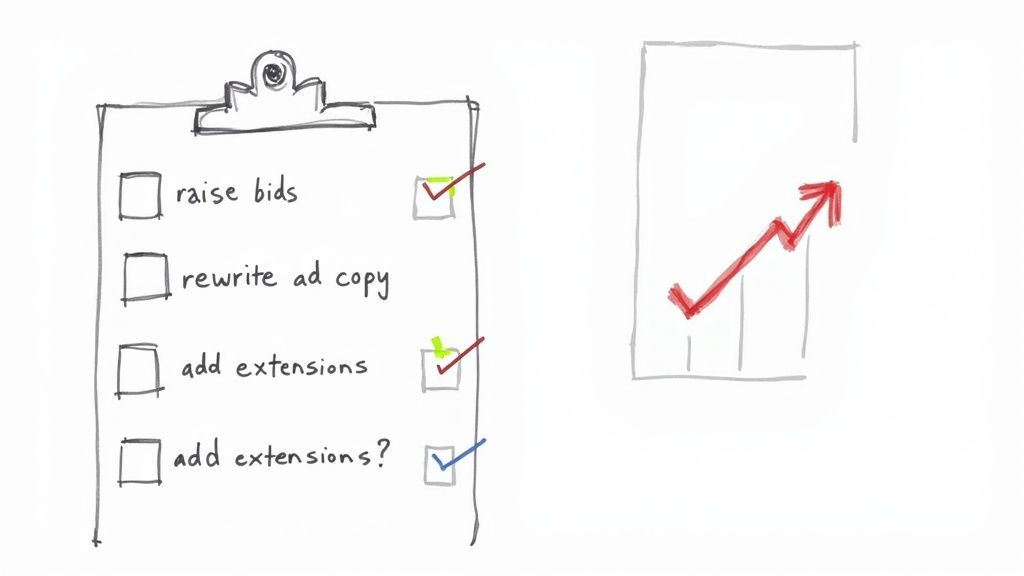
Adding Click Share to Your Reports
Ready to get this metric front and center? Here’s how to add it to your Google Ads dashboard in five simple steps:
- Click the Columns icon located just above your main performance table.
- Choose Modify columns.
- In the view that pops up, expand the Competitive metrics section.
- Tick the box for Search click share.
- Hit Apply, and you're all set.
Just like that, the column will appear in your reporting view, giving you a clear look at your performance. I recommend following the same steps to add related metrics like Search absolute top impression share, as it provides great context for your click share figures.
Best Practices for Analysis
Having the data is one thing; knowing what to do with it is another. Don't just glance at the top-level number. The real gold is hidden in the details, and digging in is how you find the insights that actually drive your strategy forward.
Your goal isn't just to monitor the numbers but to understand the story they tell. A low click share on mobile, for instance, is a clear signal to investigate your mobile user experience or ad relevance on smaller screens.
A fantastic habit to get into is segmenting your data. Use the Segment button to split your click share report by Device. This is where you'll often find some eye-opening discrepancies. For example, you might discover a healthy 75% click share on desktop but a dismal 30% on mobile, instantly pointing you to a major area for improvement.
To stay on top of things, consider setting up a custom dashboard or an automated report that emails you weekly trends. This keeps you ahead of the game, letting you spot dips or spikes before they become serious problems and ensuring your decisions are always backed by fresh data.
Got Questions About Click Share? We've Got Answers.
Even after you get the hang of click share, a few common questions always seem to pop up once you start digging into your own campaign data. Let's tackle some of the most frequent ones we hear from Google Ads advertisers.
"My Impression Share is High, but My Click Share is Low. What gives?"
Yep, this is a classic scenario and a huge red flag for your Google Ads account. Seeing this combo is actually a really useful diagnostic tool.
It tells you one thing very clearly: people are seeing your ads, but they aren't clicking on them. Your visibility is there, but your message just isn't convincing enough to win the click.
This almost always boils down to one of these culprits:
- Your Ad Copy is Weak: The headline or description isn't grabbing anyone's attention or speaking directly to what they searched for.
- Your Offer Isn't Competitive: Side-by-side with your competitors, your ad just doesn't seem like the best deal. They might be shouting about a bigger discount or a better feature.
- Your Ads Aren't Relevant Enough: Even though your ad is showing up, Google might see it as a less-than-perfect match for the keyword (low Quality Score), which can hurt its position and make it less appealing.
"Is a 100% Click Share Even Possible?"
In theory? Sure. In the real world of competitive Google Ads auctions? Almost never.
Getting a 100% click share would mean that for every single auction where your ad was shown, you got the click. Every time. This implies you had zero competition in those moments, which is incredibly rare for any keyword worth bidding on.
A much more realistic (and healthy) target for a strong campaign is usually somewhere in the 60-80% range. The exact number really depends on how cutthroat your industry is.
Don't get fixated on hitting a perfect score. The real win is seeing your click share climb steadily over time. Consistent, incremental gains show your campaign is getting healthier and you're successfully gobbling up more of the available clicks.
"Why is My Click Share So Different on Mobile vs. Desktop?"
This is a great question, and one you should definitely be asking. A big gap in performance between devices is a goldmine of insight within your Google Ads data.
If your mobile click share is tanking, it often points to a clunky user experience. Maybe your landing page takes forever to load on a phone, or the forms are a nightmare to fill out on a small screen.
It could also be a strategy issue. Your call extensions might be doing all the heavy lifting on mobile, while different extensions are driving clicks on desktop. Always, always segment your reports by device. This is where you'll find some of your biggest and easiest optimization wins.
Stop losing valuable leads because of slow, manual downloads. Pushmylead instantly forwards lead information from your Google Ads to your inbox, so you can follow up in seconds, not hours. See how it works at https://www.pushmylead.com.